Finding an Alternative to Play.ht for Your Text-to-Speech

Well, it turns out that Play.ht has gone bankrupt.

I hadn’t seen any news about it, so when I came to do my latest blog post, I found the site was down with no indication of support, no notice, and no email. A bit disappointing, but there you go. The internet gives, and the internet takes away.

That still left me with a problem. I need a decent text-to-speech converter. I use one both to ensure all my blog posts have an audio version and because, as someone who is badly dyslexic, I find it the best way of proofreading my work. Listening to my posts read aloud helps me spot those moments when I think, What on earth is that? and correct my gibbering.

So, I had a good trawl around with a specific set of requirements. What I wanted was something where I could paste my blog text, have it follow punctuation properly, let me listen and review easily, work quickly, and not cost a fortune.

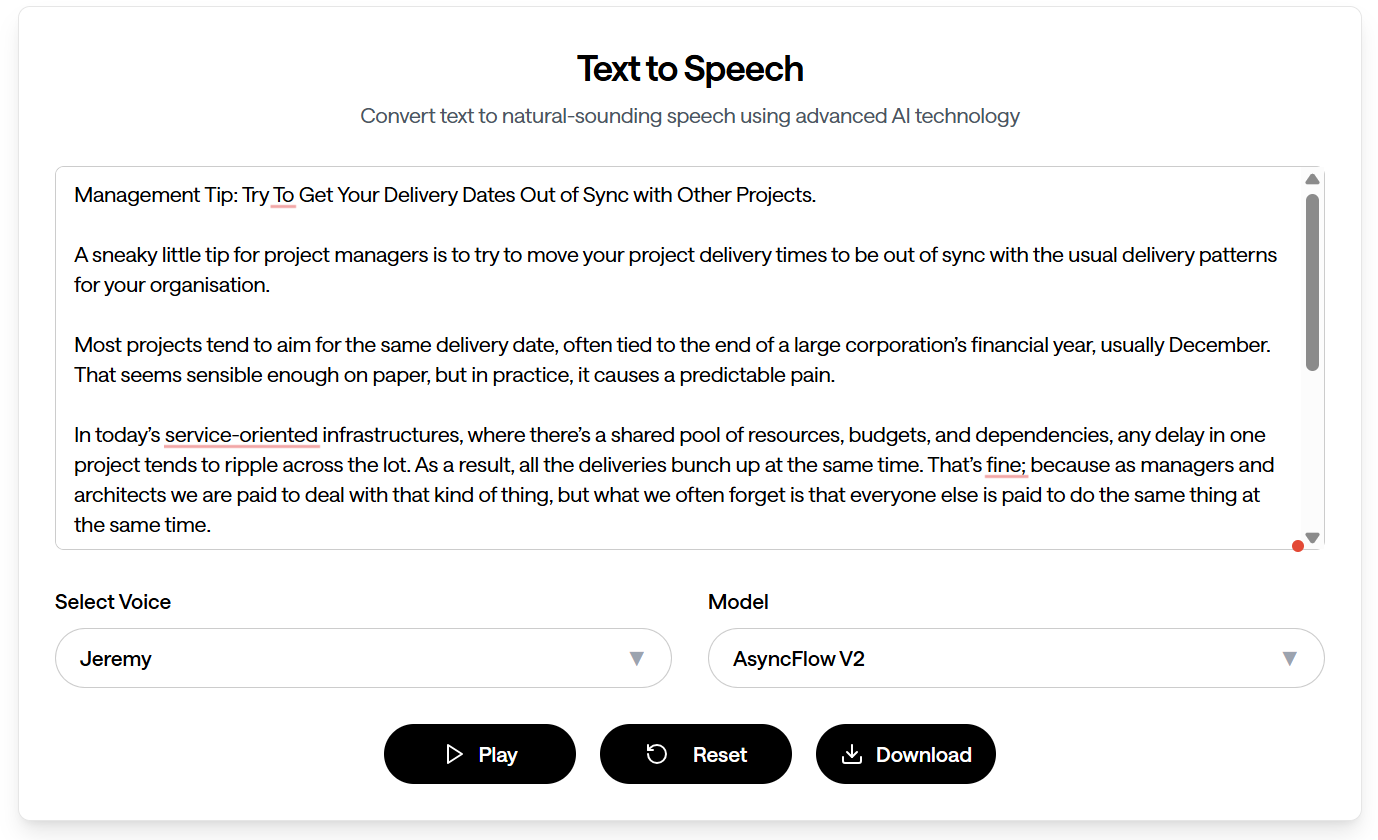
After a fair bit of digging (and trying a few others I won’t name and shame), I ended up with Async.ai, which met all my needs. It has an easy login, a simple text-to-speech interface with a large input box, sensible formatting, and a solid range of voices and styles to choose from. It generates speech far faster than Play.ht ever did, and you can download the output as a WAV file. I then convert that to MP3 and upload it as a media file on my blog.

I have no interest in having the audio hosted elsewhere. That lesson has already been learnt with Play.ht: don’t trust anything other than your own website.

So far, I’ve found that Async.ai works well. The voices sound good and natural, and it feels very similar to what I was using before. I’ve subscribed, and it’s much much cheaper than Play.ht or many of the other options, with a simple pay-per-hour model that suits me perfectly.

My only minor irritation is that when you click Generate and Play, you can’t skip around easily. Every time you fix an error or tweak some grammar, you have to listen to the whole post again. But honestly, that’s a small price to pay for such a straightforward, reliable setup.

If you’re moving away from Play.ht, or just looking for something new to convert long-form text into speech, I’d recommend giving Async.ai a try.

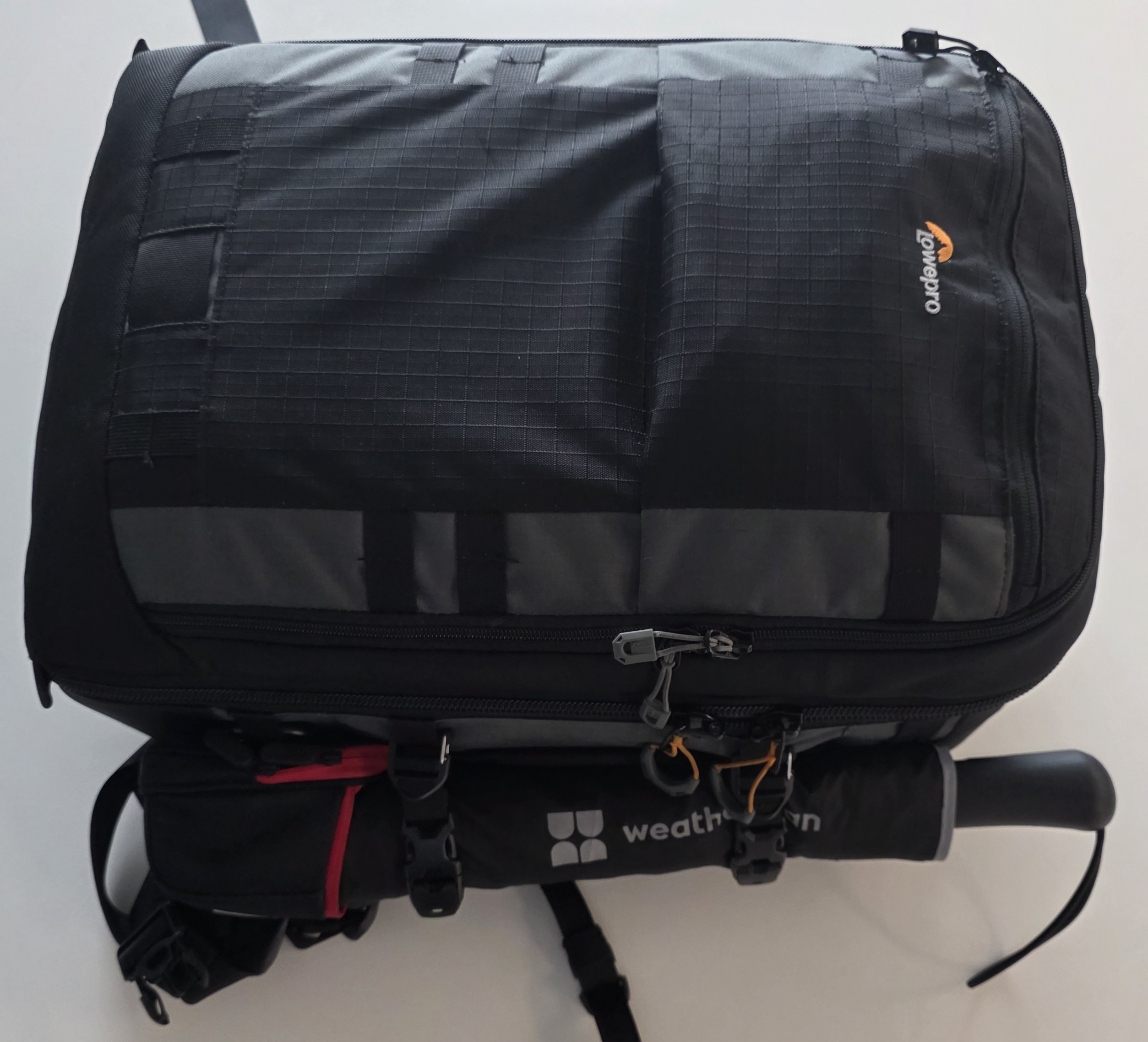
What I carry in my Work Pack 2025

This is an update to my 2023 post of the same name, and a companion to my fellow LDC Via colleague’s post. Back in the Lotus days we used to do these regularly about our desks, but now we’re all far more mobile. I spend a lot of time travelling and working in clients’ offices. My habit of carrying just about everything has continued, in fact, it’s probably got a bit worse. I like to arrive on site and not need a single thing from the client, not even power.

The bag

I’ve stepped up from my previous lightweight rucksack to one mainly designed for camera gear, and it’s perfect. It opens completely flat, almost like a suitcase, so it’s easy to pack, with multiple pockets and near bomb-proof construction. The only downside is the laptop sleeve sits in the lid; I’d prefer it against my back. Aside from that, it’s spot on. As you can see, I pack it to the gunwales.

Power & cables

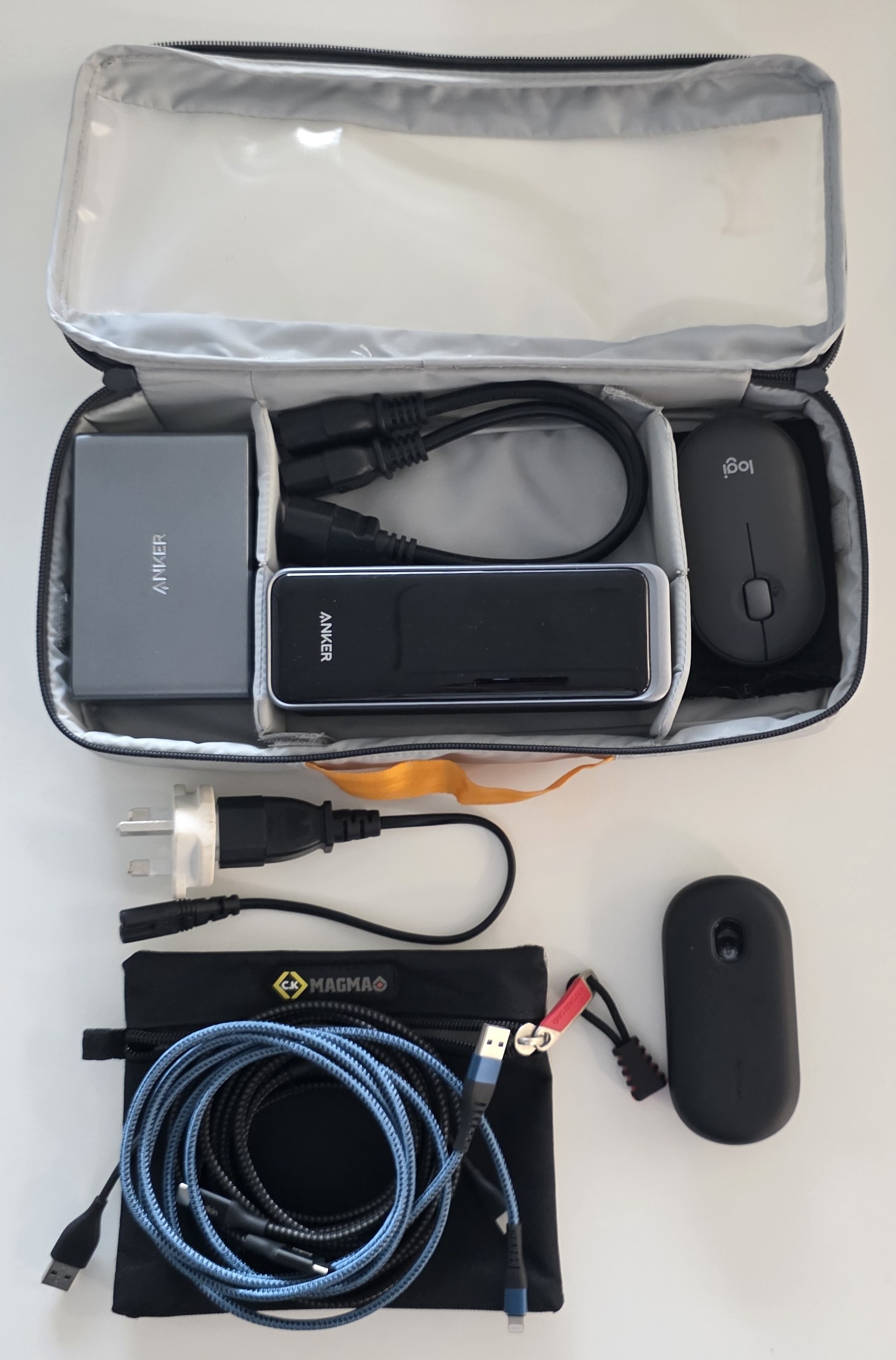
Most of the power kit remains the tried-and-true set, updated to newer versions. I’m using the latest Anker power brick and the same power supply and cables I normally carry. I now keep two or three USB-C leads, plus a Thunderbolt cable, while I don’t use Apple products, everyone I know seems to, and a friend with a cable is a friend indeed.

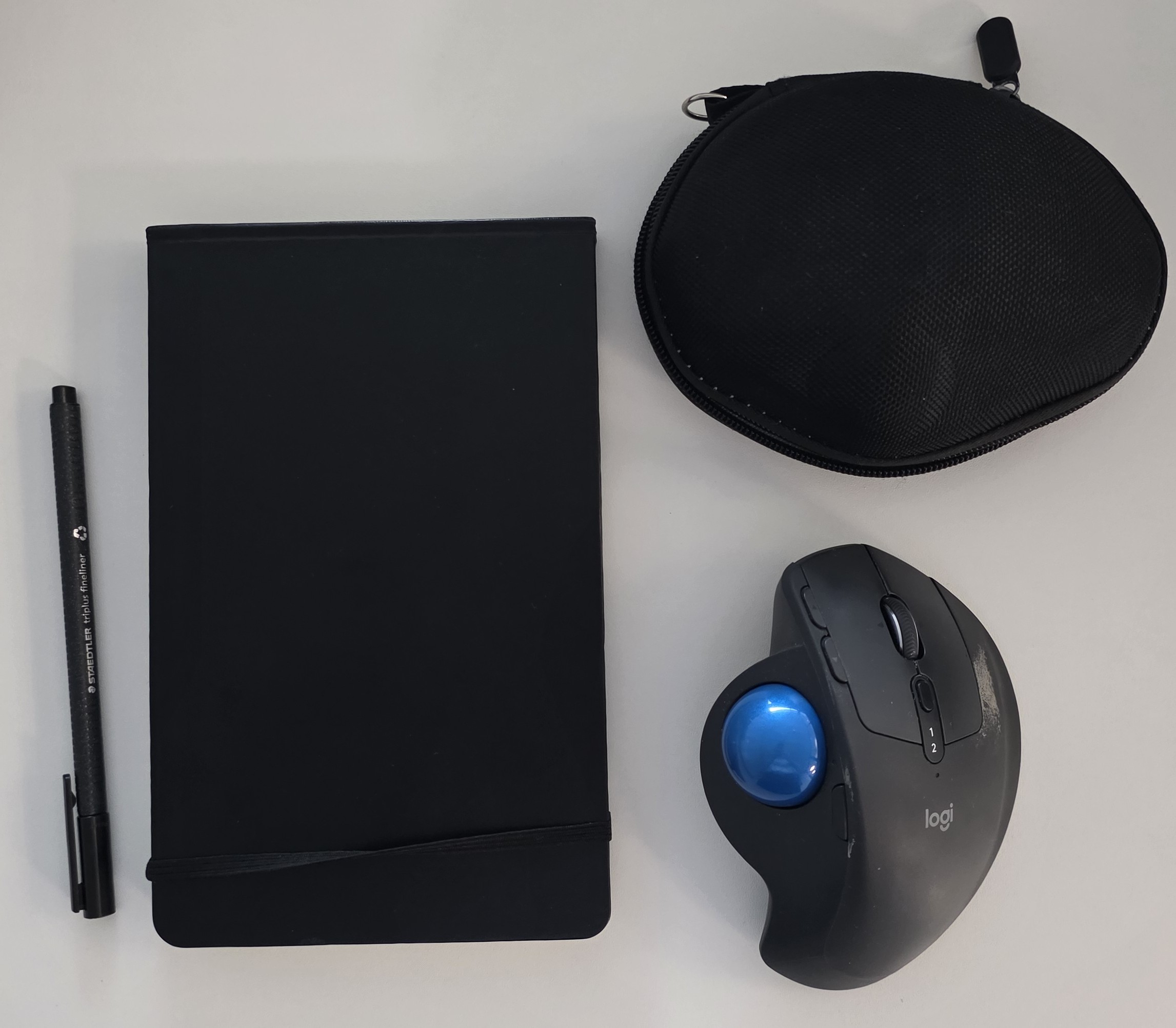
I’ve switched my earpiece to Yealink. It’s cheaper, and, oddly, the microphone is better than my previous Sennheiser ones. I also carry a backup mouse. My main mouse is still a Logitech, kept in a hard case.

Notebooks & pens

My notepad used to be a Moleskine, but they stopped making the hard notebooks I liked, so I ordered custom ones. They turned out cheaper than Moleskine and exactly what I wanted. I’ve moved from a ballpoint to a fibre-tip pen, more convenient, and I’m working through various brands to find one that doesn’t disintegrate after a short time.

Food & drink

I’m carrying more of my own food now. Turning up to client sites on industrial estates means there’s rarely food or drink nearby, and bringing my own helps diet-wise. I tend to carry a couple of energy drinks, some vitamins, a couple of protein bars, ginger shots in a flask, and a water bottle.

On water bottles: I want one that won’t topple easily, seals absolutely watertight (you’d be amazed how many don’t), and is easy to scrub out. I’ve ended up using a classic Thermos food flask and it’s been perfect.

Clothing & comforts

I now carry a reinforced glasses case with backup specs (I am, after all, an older man), and a shoe bag. I don’t walk around in smart shoes, too much distance, so I carry work shoes separately.

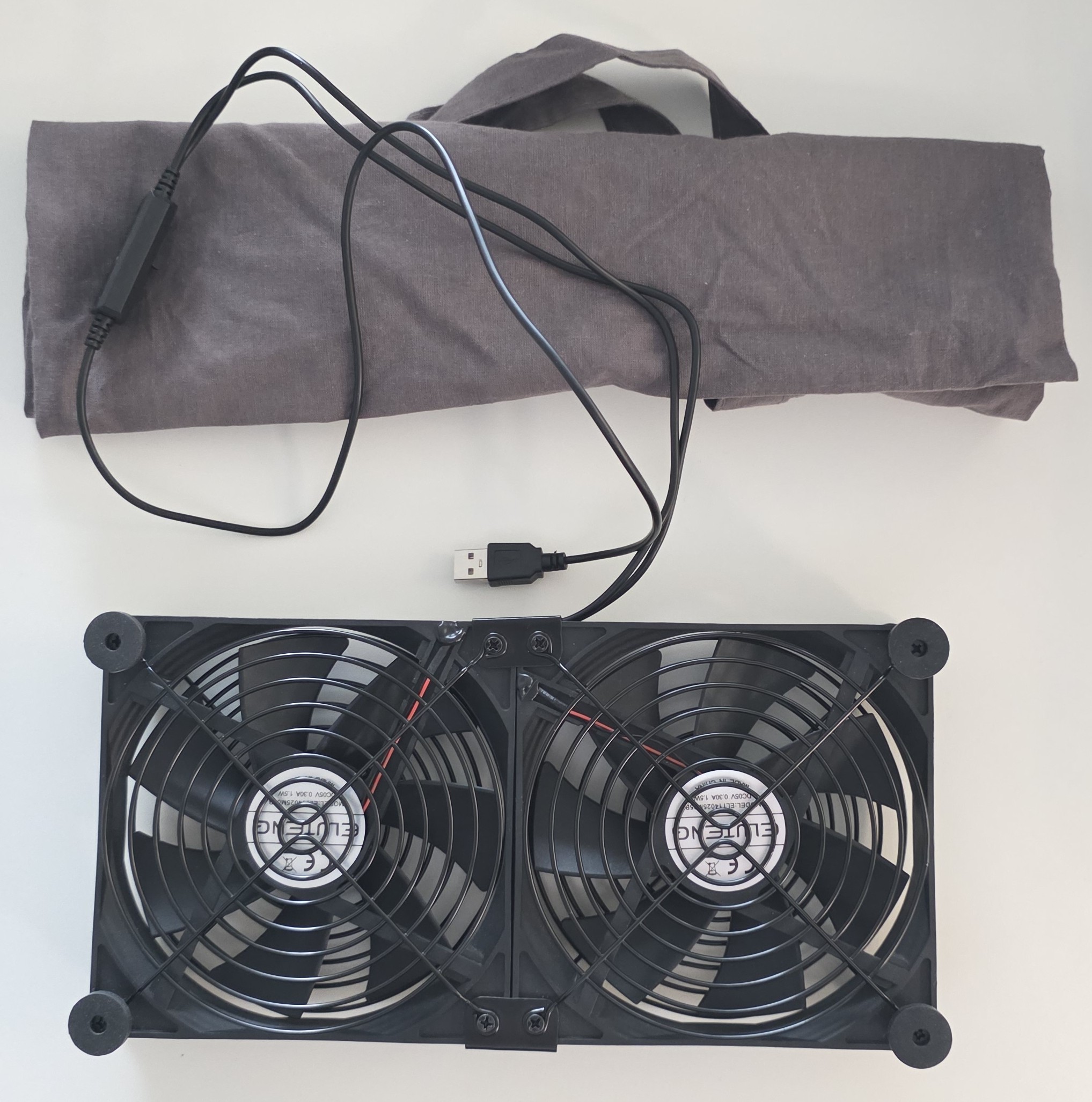
I’ve upgraded the desk fan to a unit originally designed to cool a PS5. It’s utterly silent and runs off USB,

Stationery & spares

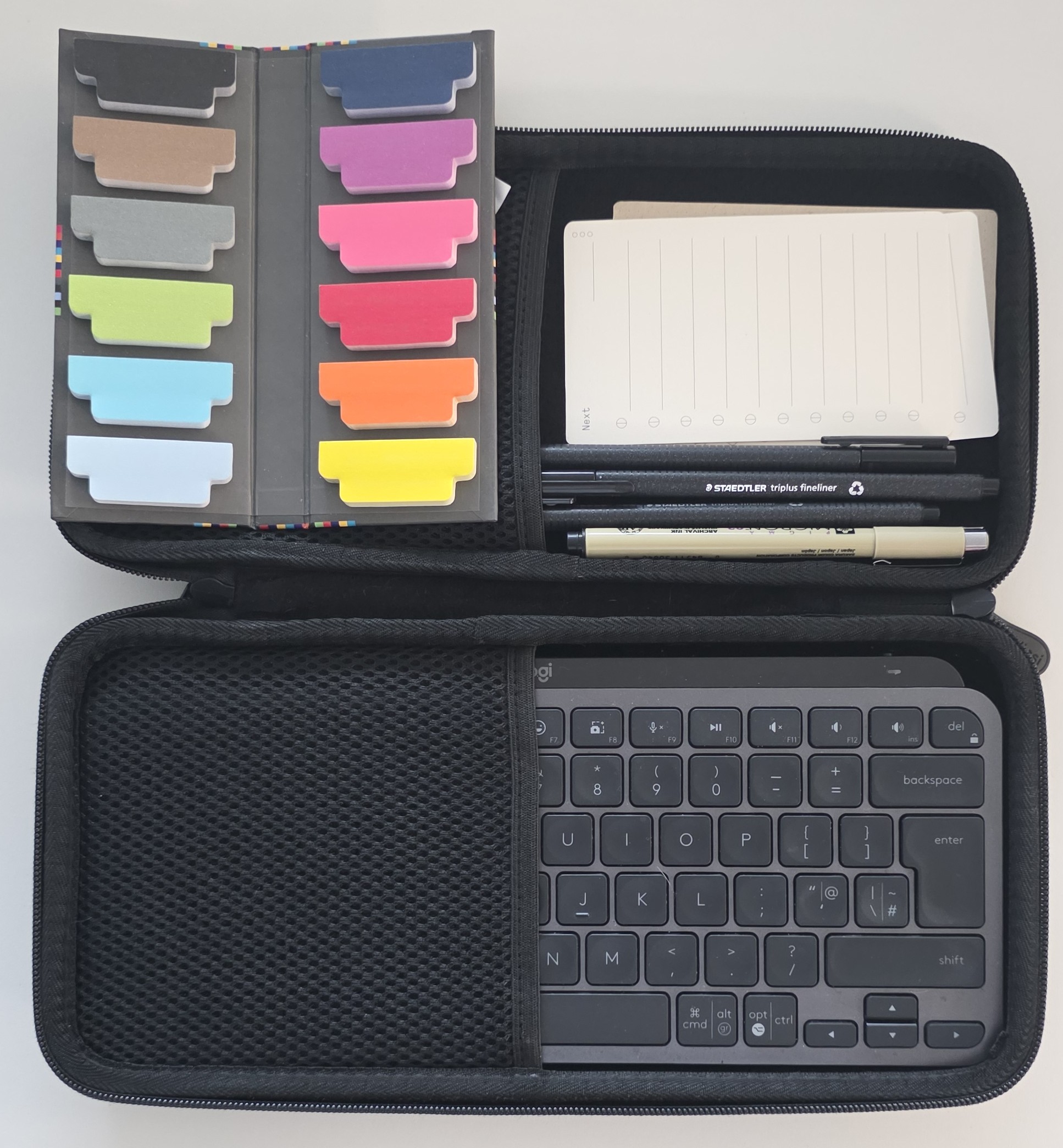
My portable keyboard is still the same Logitech one from 2023 in a hard case. In the same pouch I keep sticky bookmarks, blank to-do cards, and spare pens.

Misc. items

Heavy-duty “shower” wipes, not just baby wipes, plus a small spot cleaner and ordinary tissues.

Spare collar stiffeners, whiteboard markers (details are in the 2023 post) and a microfibre cloth.

It does weigh quite a bit, especially with all the liquids, but it means I arrive prepared, feel professional, and can be self-sufficient at any client site.


Real-Life tips for Moving Tech from On-Premise to Cloud: Part 2

Welcome back to part two of our real-life series on moving technology from on-premise systems to the cloud. This post follows up on my previous entry, highlighting additional hidden challenges often encountered during cloud migrations. Many of these issues can in recent years, stem from the maturity of cloud infrastructure, which is now complete with its own established processes and methodologies. Let’s get started:

1. Outdated Methods May No Longer Be Supported

One common challenge arises from previously acceptable practices or technologies becoming obsolete, especially concerning security protocols. Methods that evolved naturally over the years in an on-premise environment may now be explicitly disallowed in the cloud. Whether it’s due to new compliance regulations or discovered security vulnerabilities, practices you’ve relied on for decades might no longer be viable.
It’s essential to collaborate proactively with your security team. Security departments often focus strictly on what is disallowed rather than proposing alternative solutions. Engaging them early in the migration process ensures practical and secure solutions are developed, especially when dealing with existing system integrations and established support procedures.

2. Loss of Assumed Features

When operating on-premise servers, many built-in features are taken for granted, such as logging, connectivity, remote access tools, and even physical infrastructure integrations. Virtual servers, Docker instances, or cloud-based platforms often lack these default features, requiring additional setup or third-party solutions.

A notable real-life example includes systems that rely on physical hardware integrations, like emergency pagers plugged directly into servers. Transitioning such setups to the cloud can become complicated and costly, potentially requiring extensive system rewrites or redesigns.

3. Hidden Re-coding Costs

Migrating legacy systems often involves substantial rewriting. In some cases, the original platform or coding language is unsupported in modern cloud environments, necessitating a full rebuild of the application. These hidden recoding costs can escalate quickly, making a simple “lift-and-shift” virtual machine approach sometimes the only feasible short-term option.

4. Bandwidth and Communication Chatter

On-premise systems often generate substantial communication noise, particularly regarding data storage and retrieval. Because bandwidth was essentially free and readily available locally, efficiency wasn’t a priority. However, in cloud environments, such frequent communication can incur significant costs and performance issues.

Evaluate how your existing systems communicate and store data. Modern cloud solutions may require optimised, efficient communication patterns to avoid inflated expenses and ensure long-term sustainability.

5. Day-to-Day Maintenance Costs

On-premise systems often conceal maintenance costs within periodic capital expenditures, typically every three to four years, covering licenses, hardware, and infrastructure. Conversely, cloud environments shift to recurring monthly costs, which can accumulate unexpectedly if not accounted for upfront.

To avoid financial surprises, thoroughly analyse the ongoing costs of cloud infrastructure, licensing, and resources before migrating. Accurate budgeting helps mitigate unexpected expenses and ensures smoother operational planning post-migration.

Summing Up

Sorry to add more items to the problem of moving to the cloud, but these are worth considering when you work out how you will move an older application to an existing and established cloud platform.

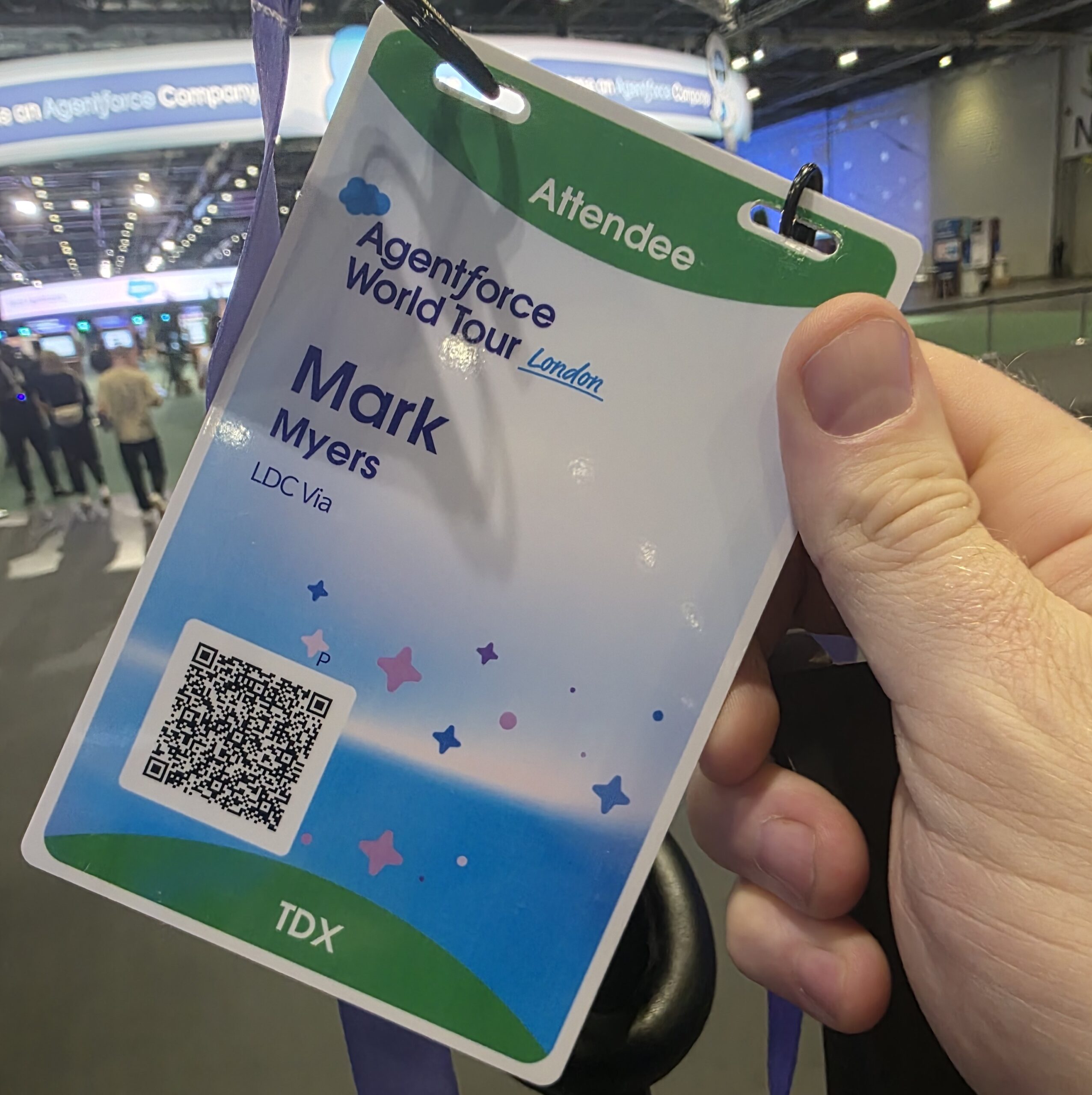
Salesforce IDX London 2025

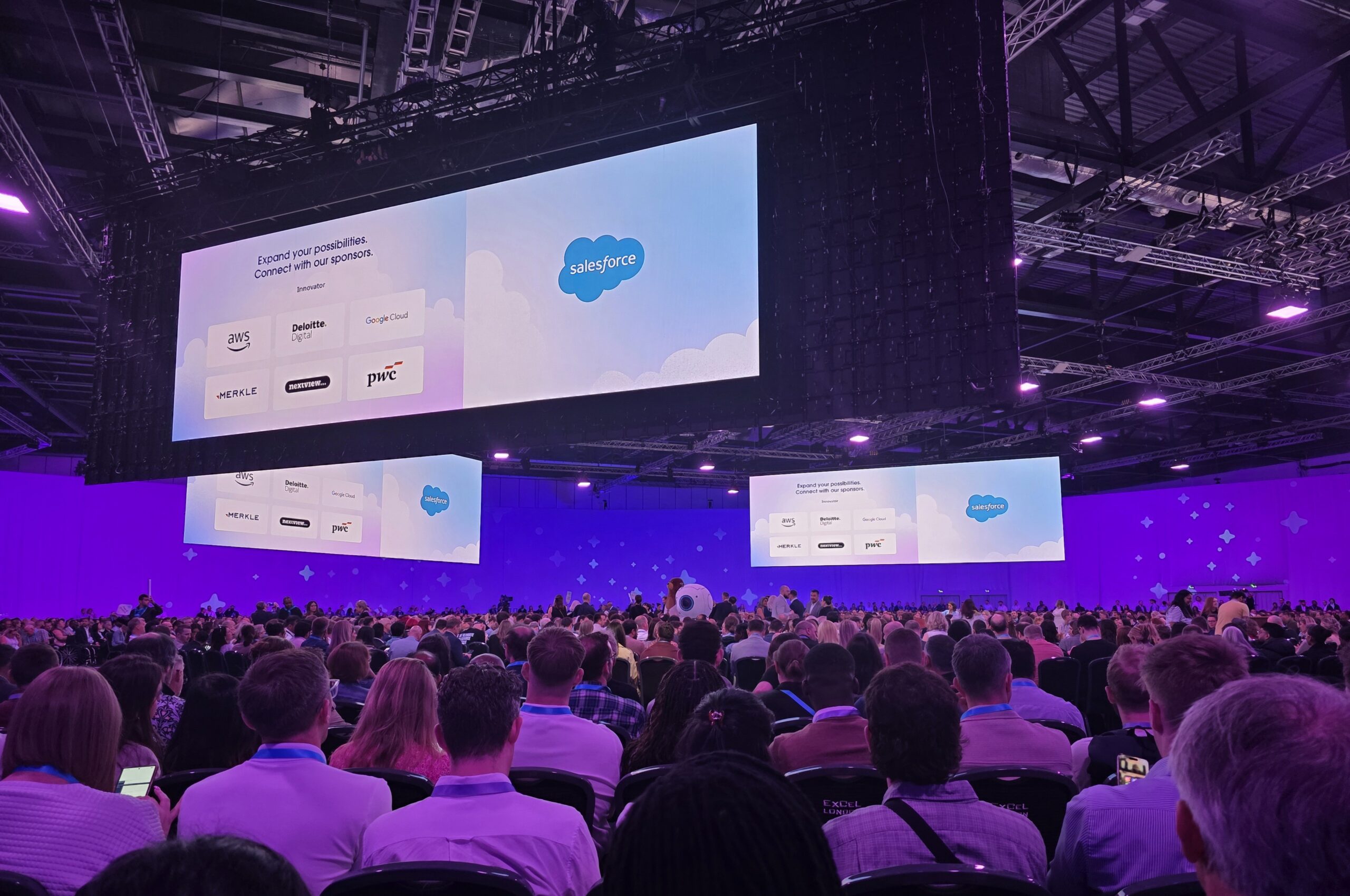
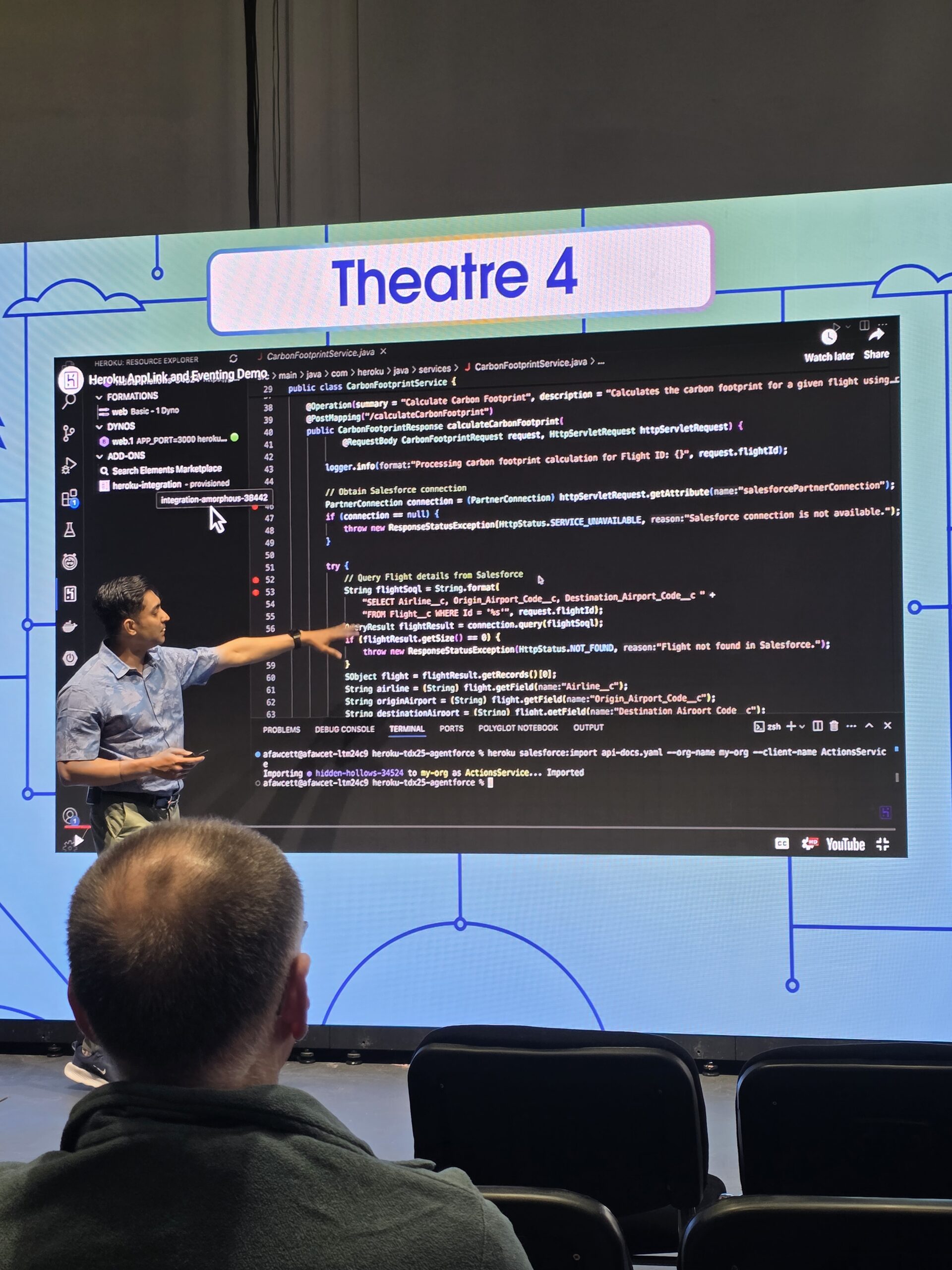
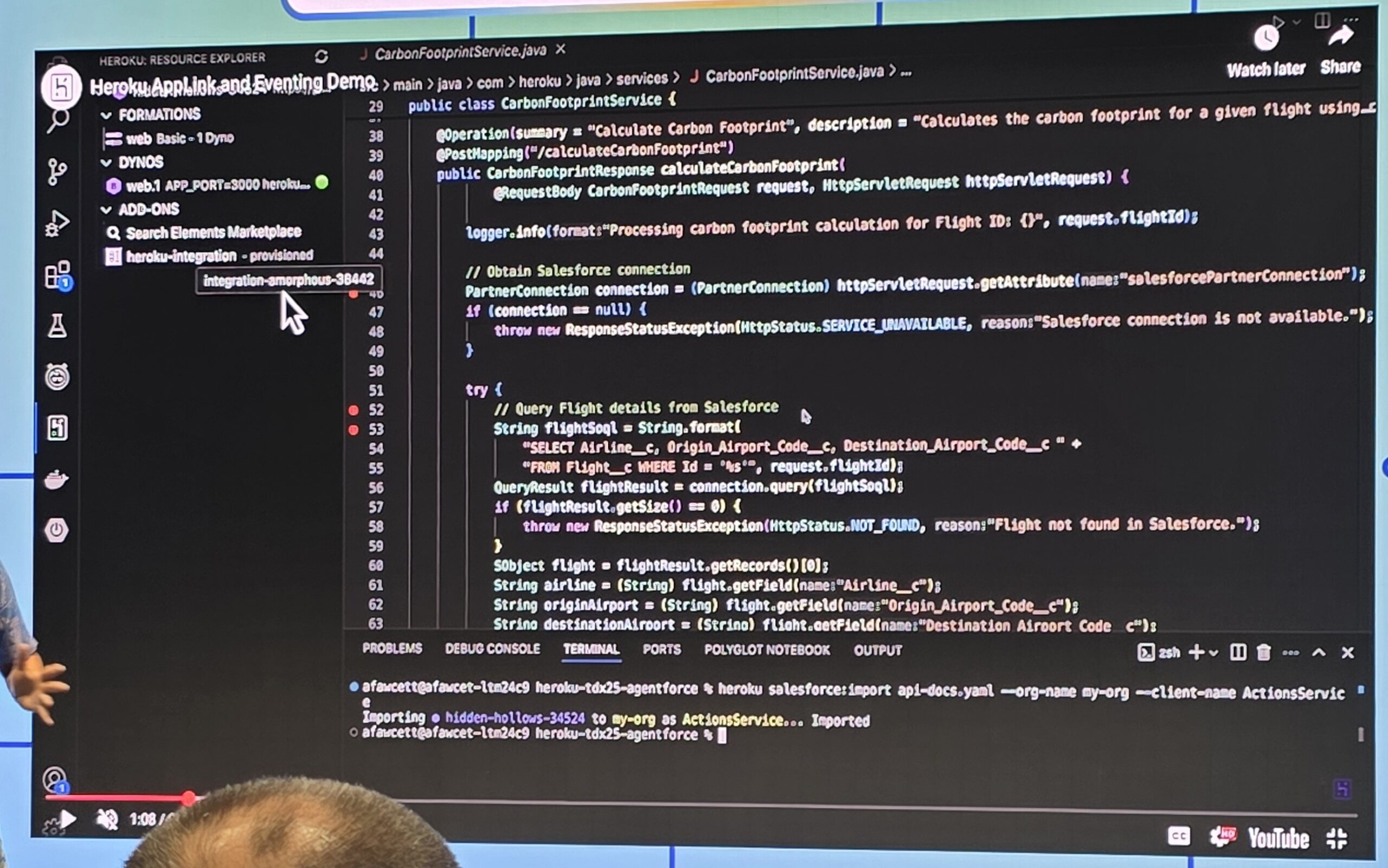
Salesforce IDX London 2025 recently wrapped up at London’s Excel Centre, bringing fresh energy and a heavy focus on AI sales. Previously known as Salesforce World Tour, this year’s event was a concise yet dynamic two-day showcase tailored to corporate attendees.

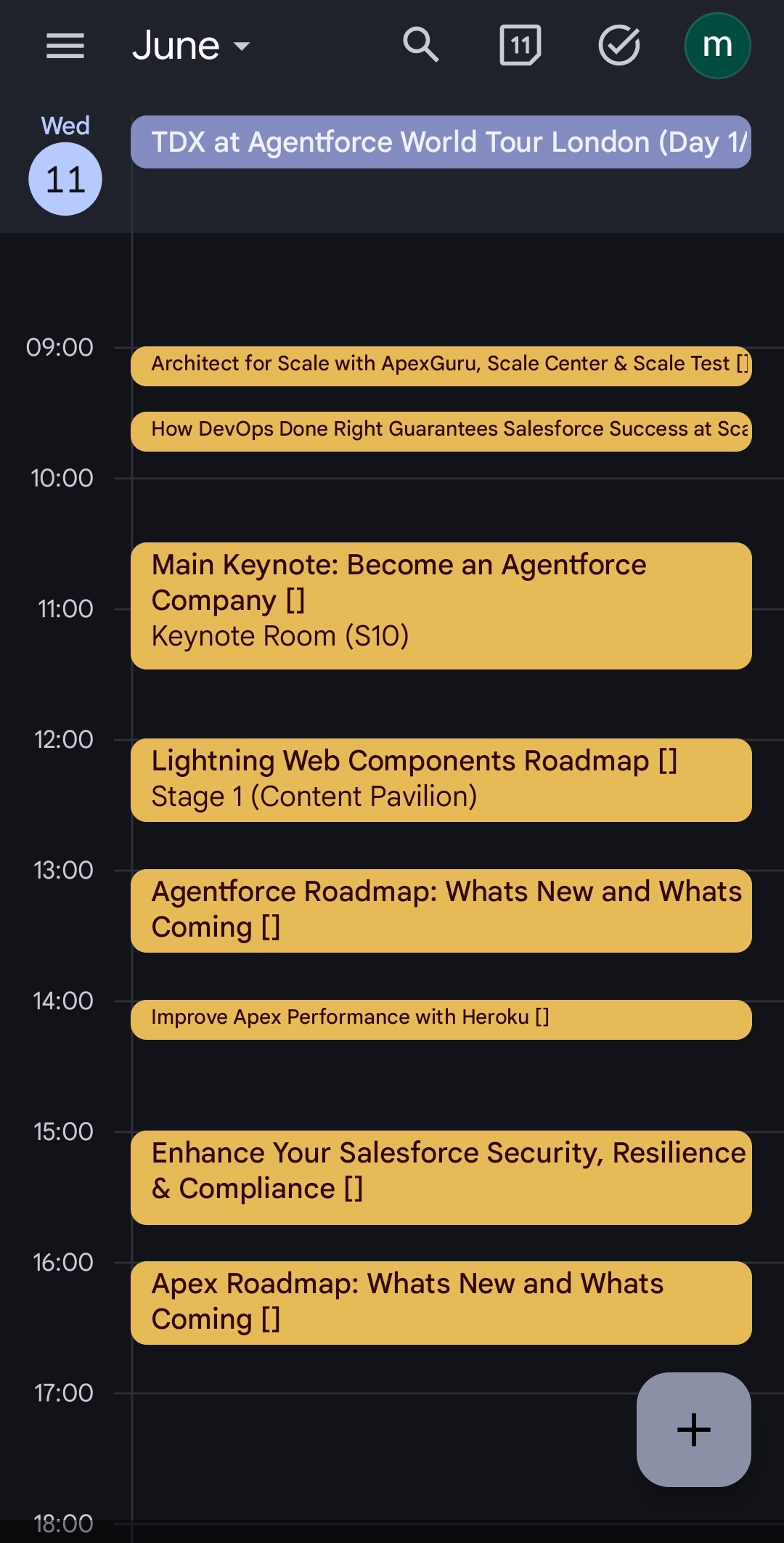
The experience began seamlessly, with an excellent digital booking system allowing us all to effortlessly build our personal schedules. Exporting these customised agendas directly to personal calendars streamlined the entire event and meant you got the maximum you could out of the whole thing.

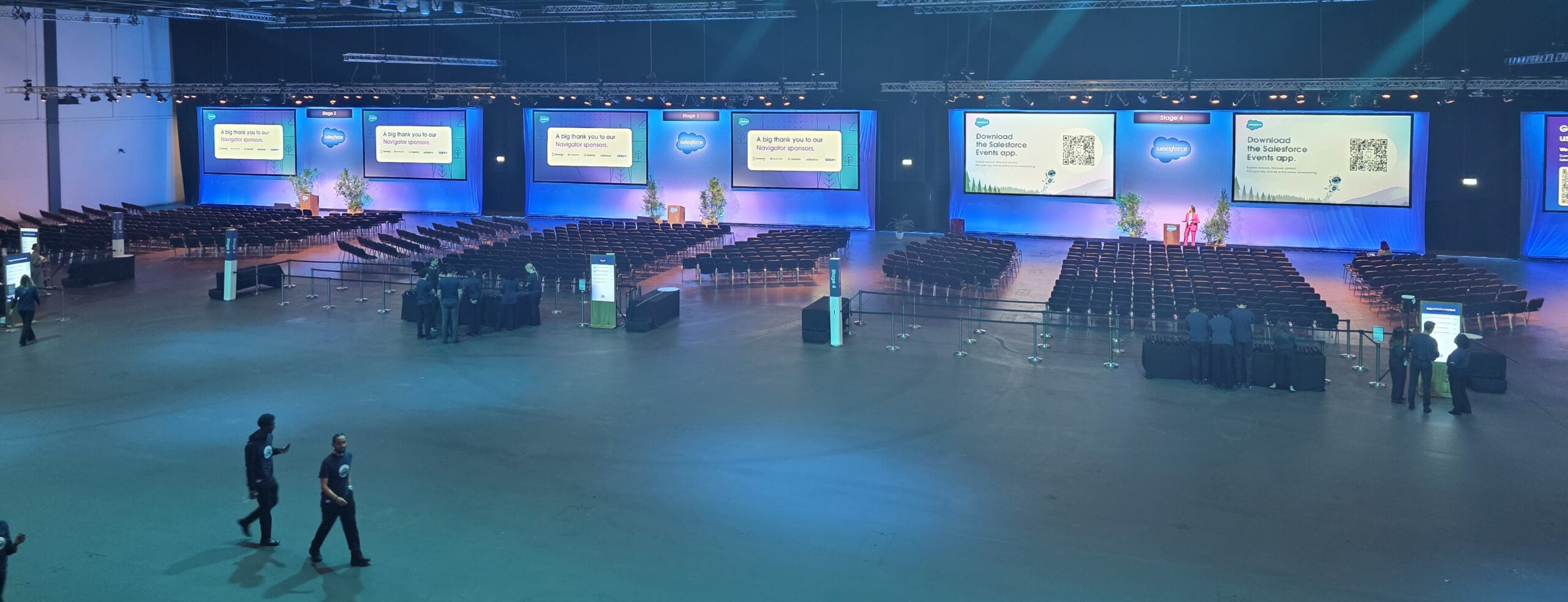
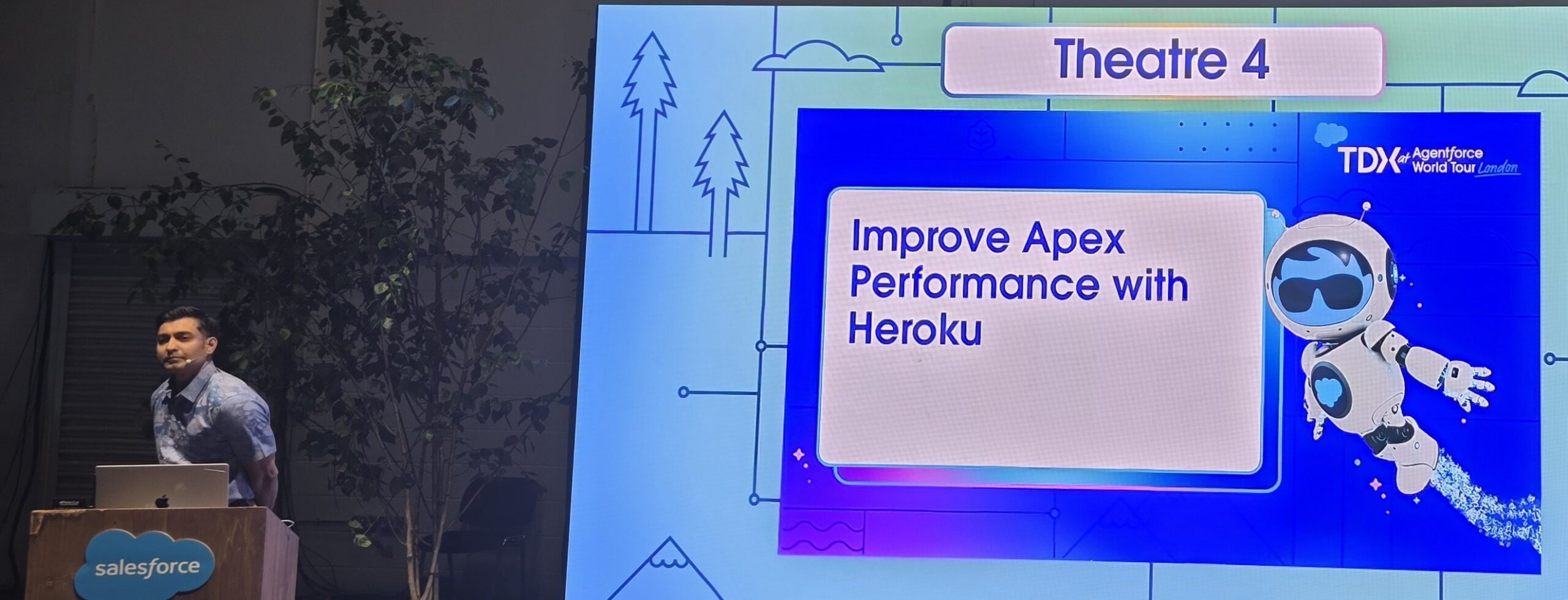
The Excel Centre maintained its reputation as a polished, professional venue, well-organised and easy to navigate. making it easy to dive into the day’s packed lineup of presentations and networking opportunities. I like that the sessions are all in the main one room using headphones where needed, meaning there is as little walking around as can be managed.

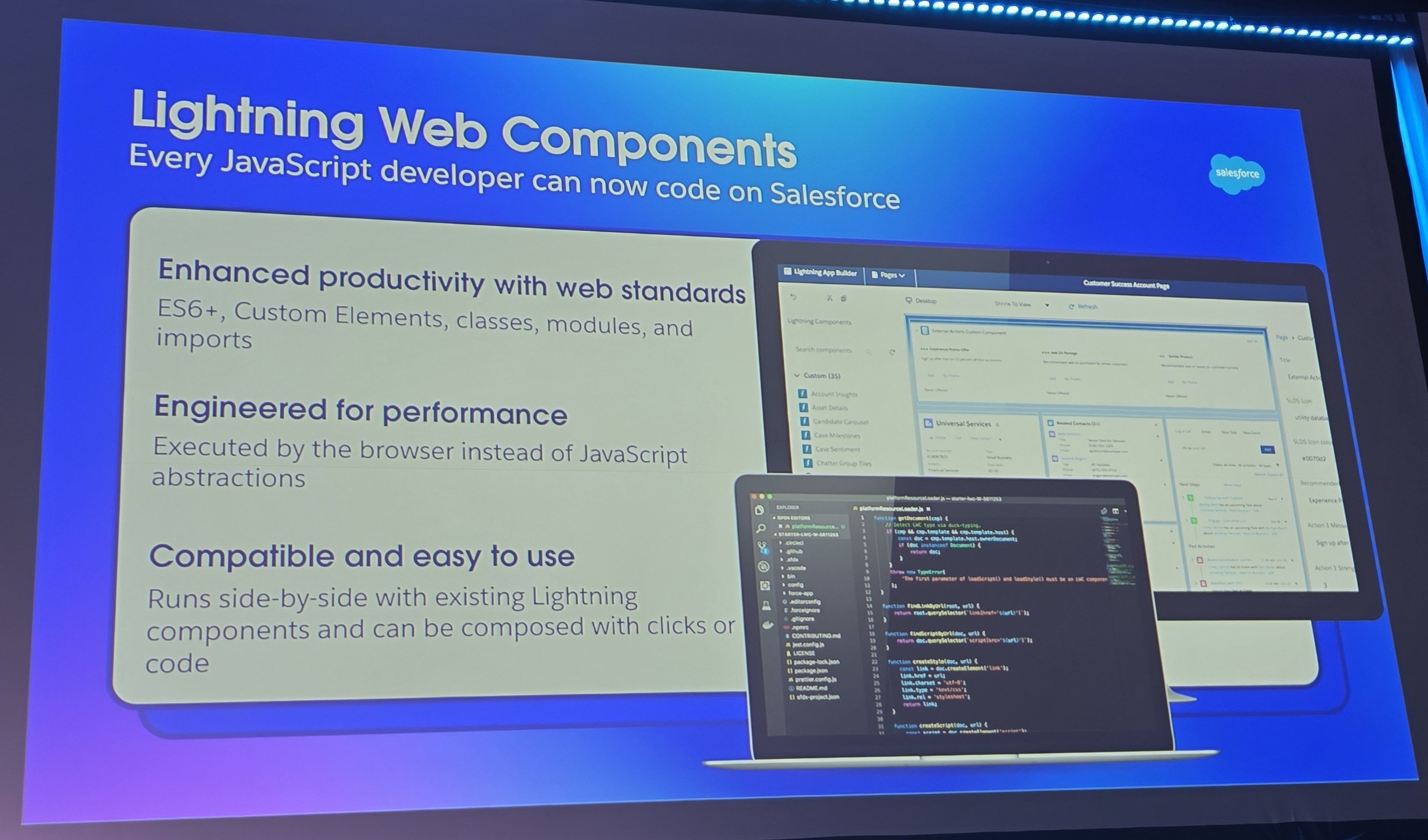
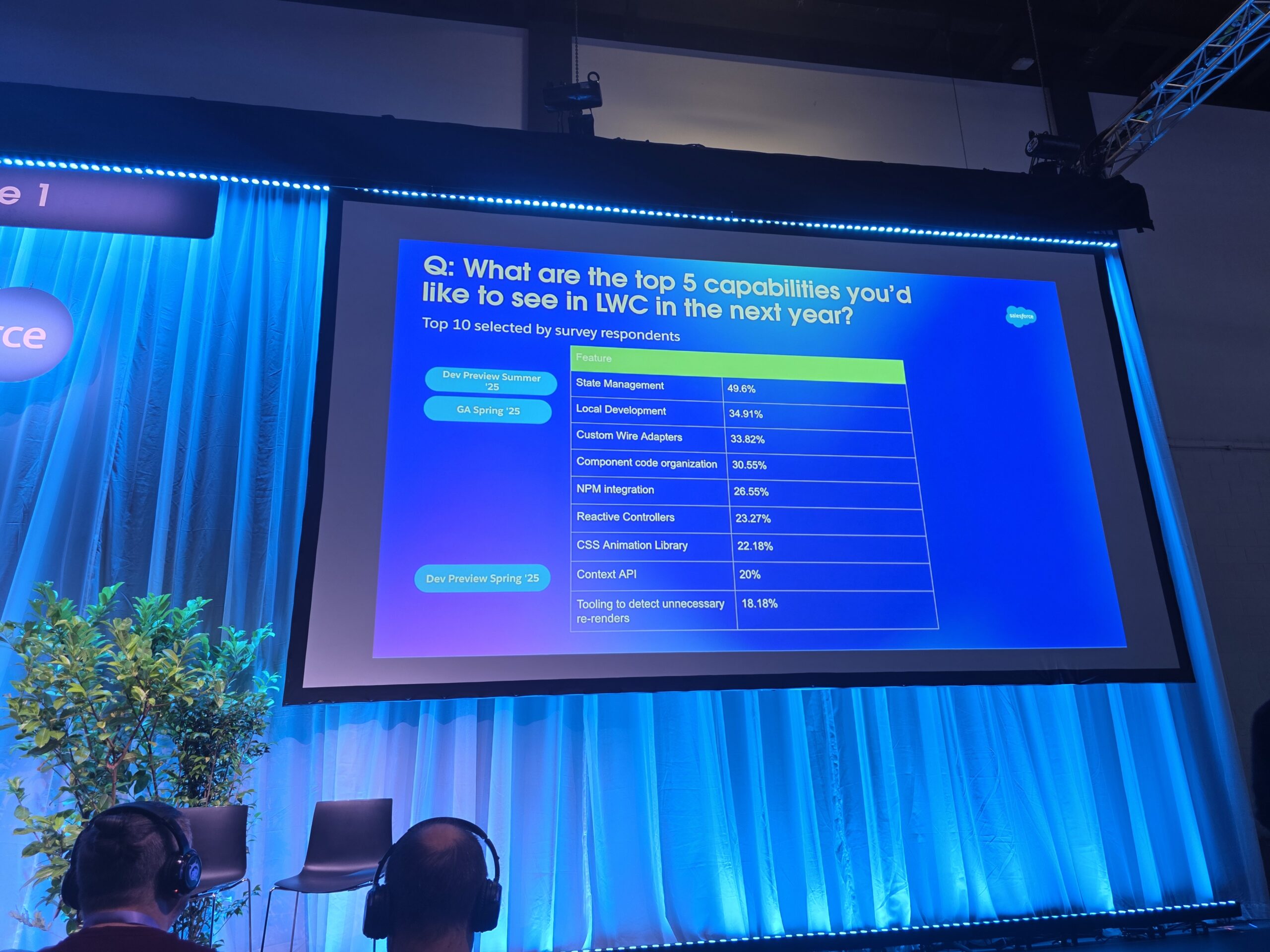
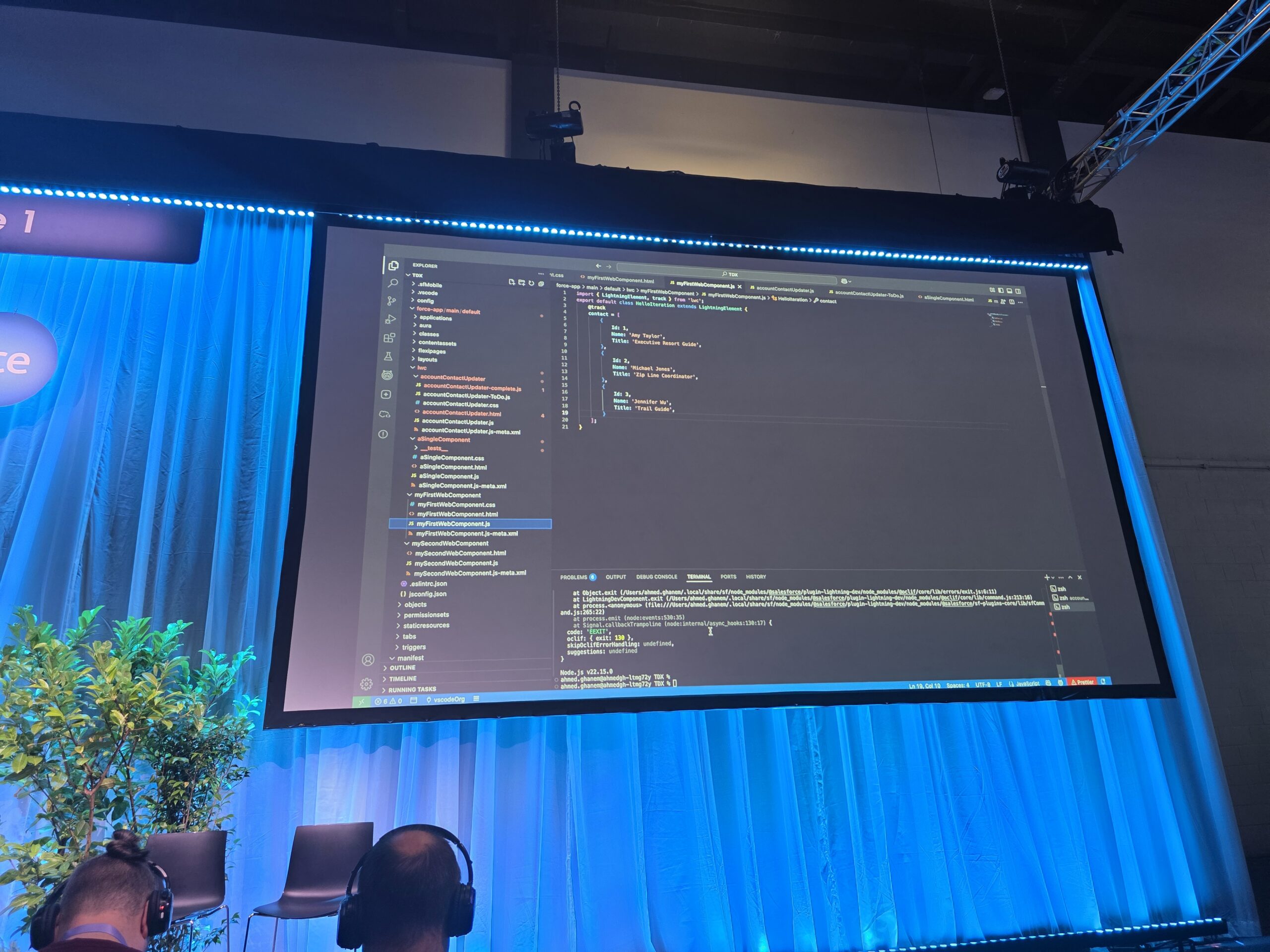
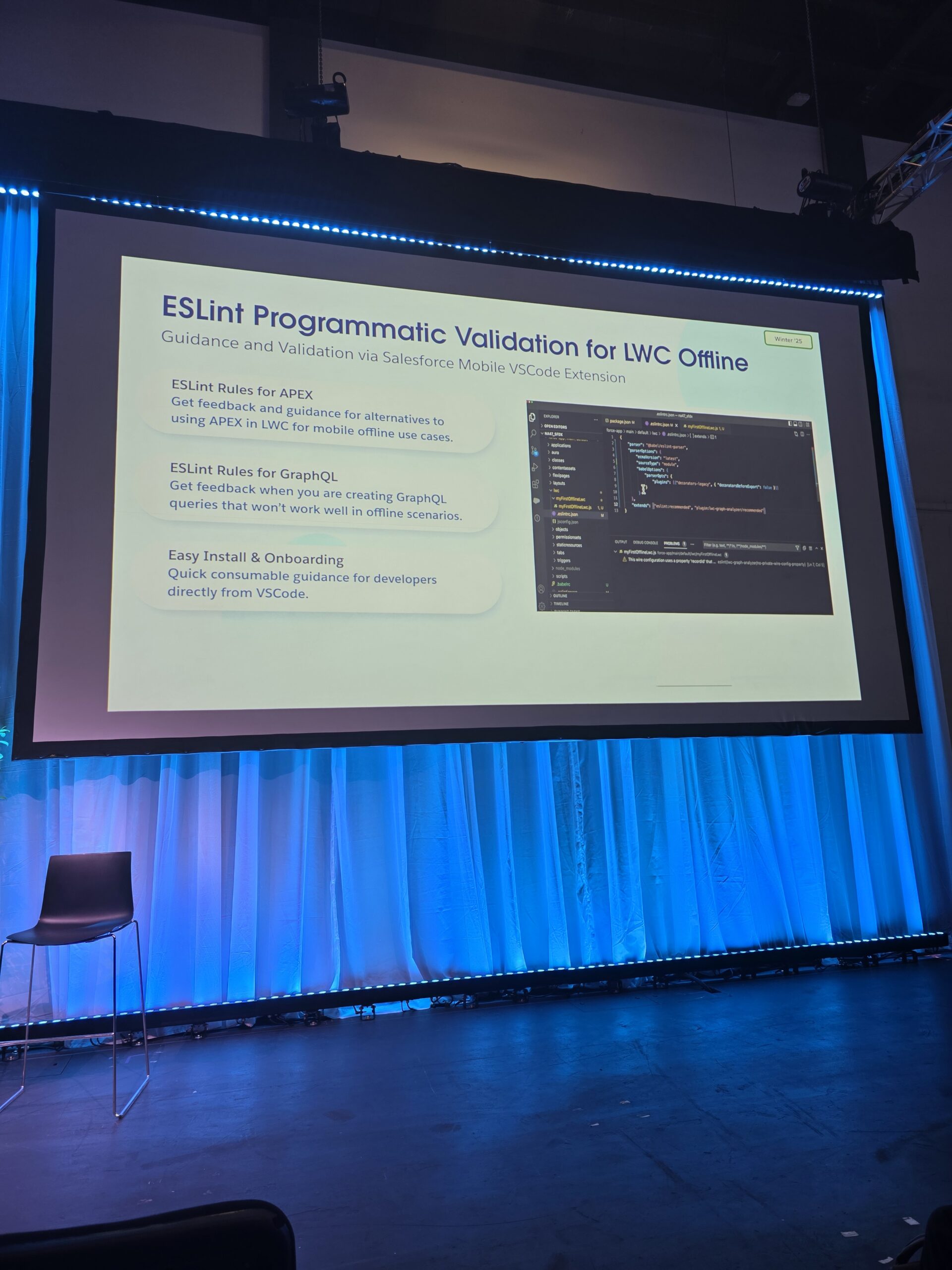
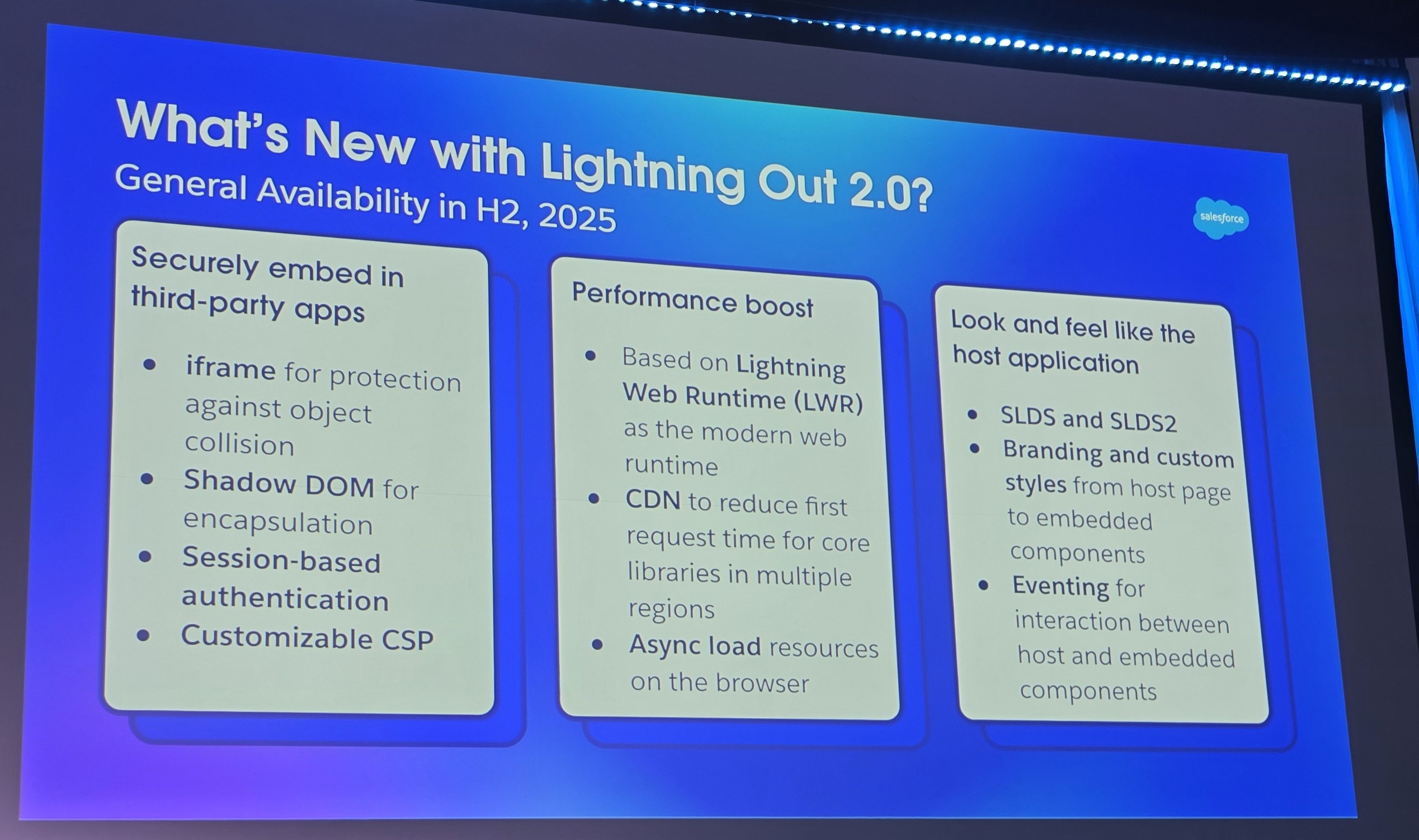
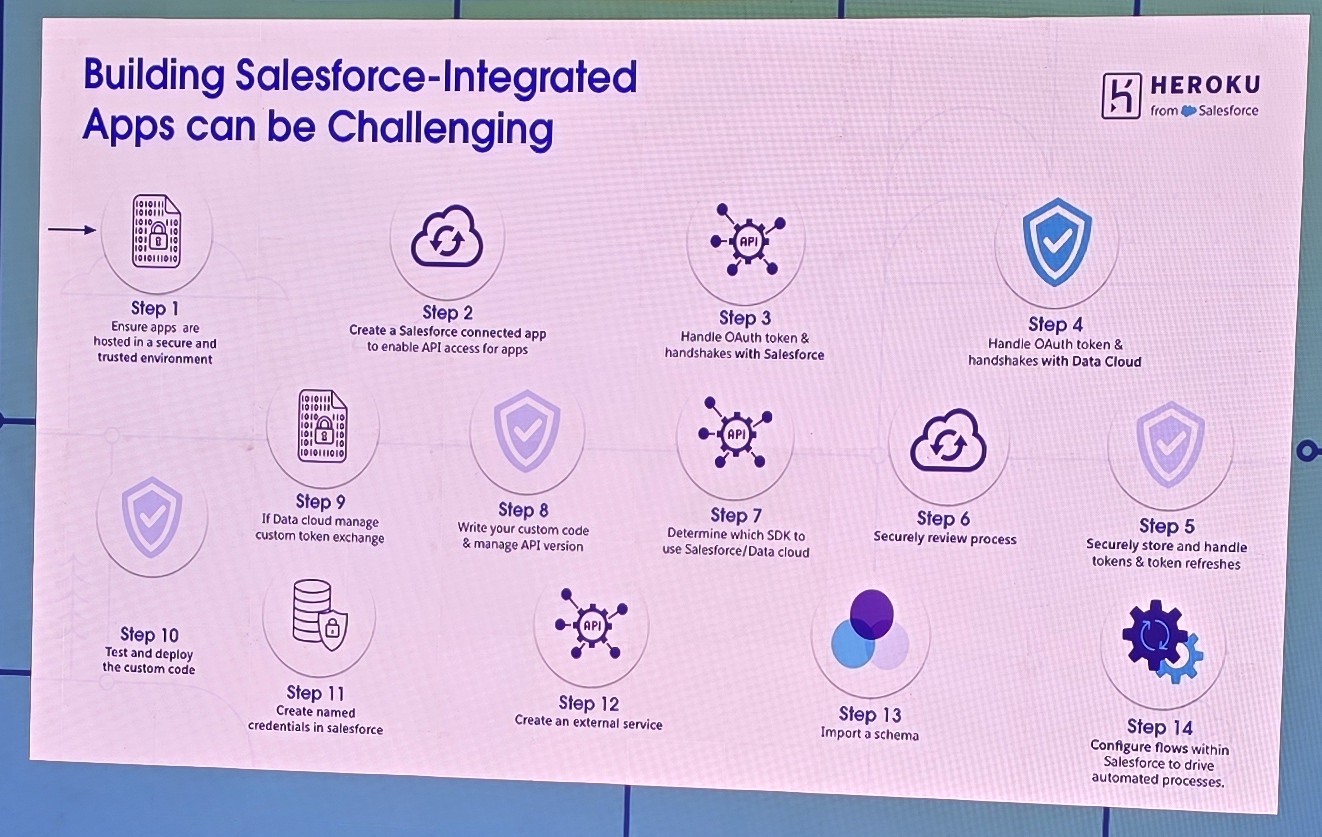
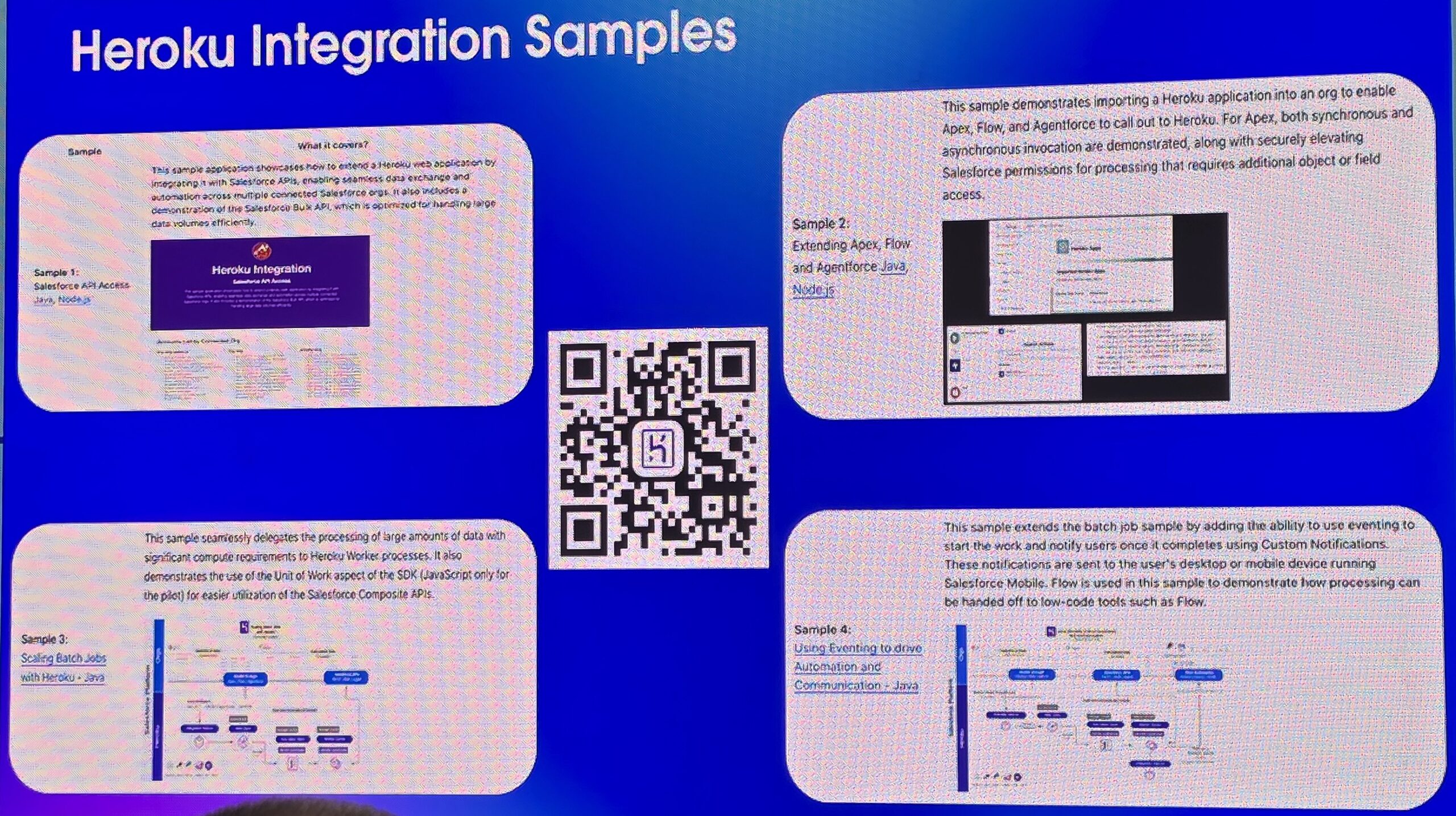
Sessions this year covered a wide range of critical Salesforce updates, with detailed roadmaps for upcoming changes. Despite encountering a couple of unexpected sponsor-driven sales pitches, I benefited from lots of high-quality, content-rich sessions that made the day thoroughly rewarding.

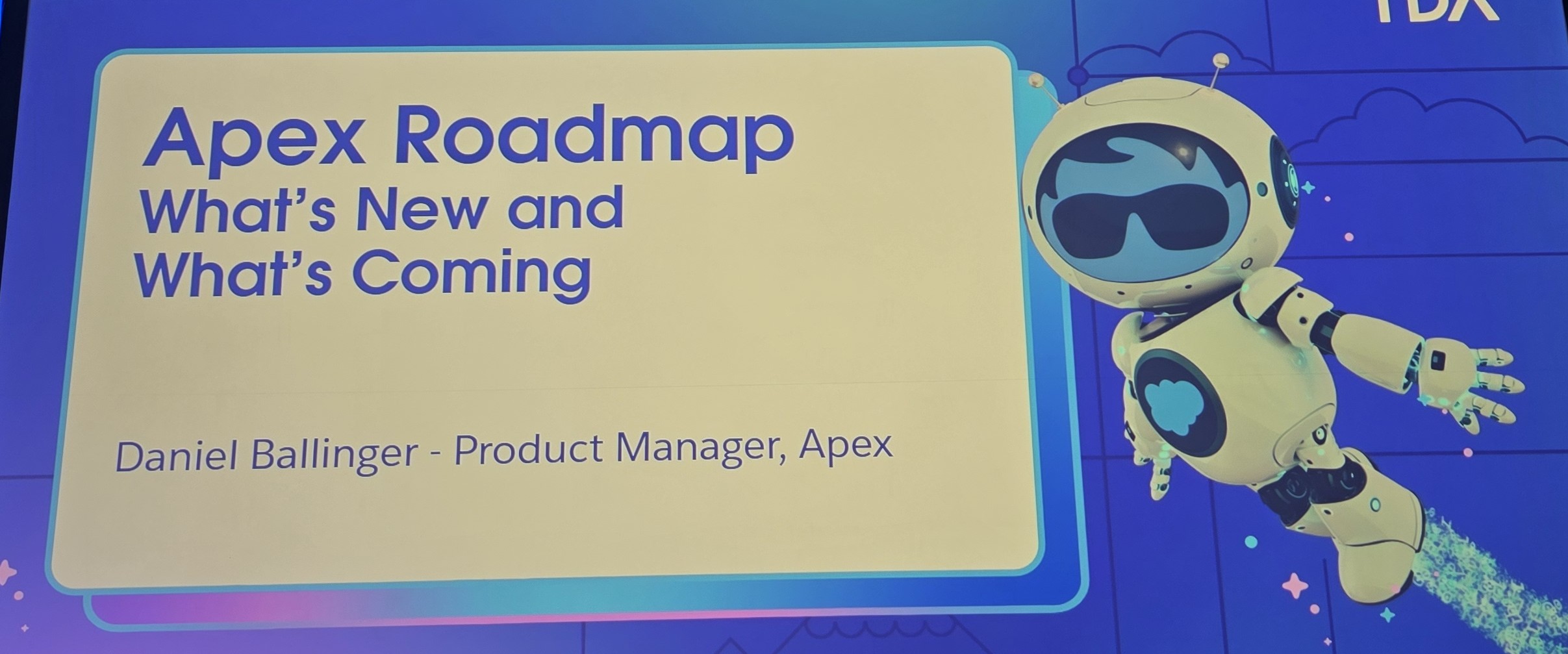
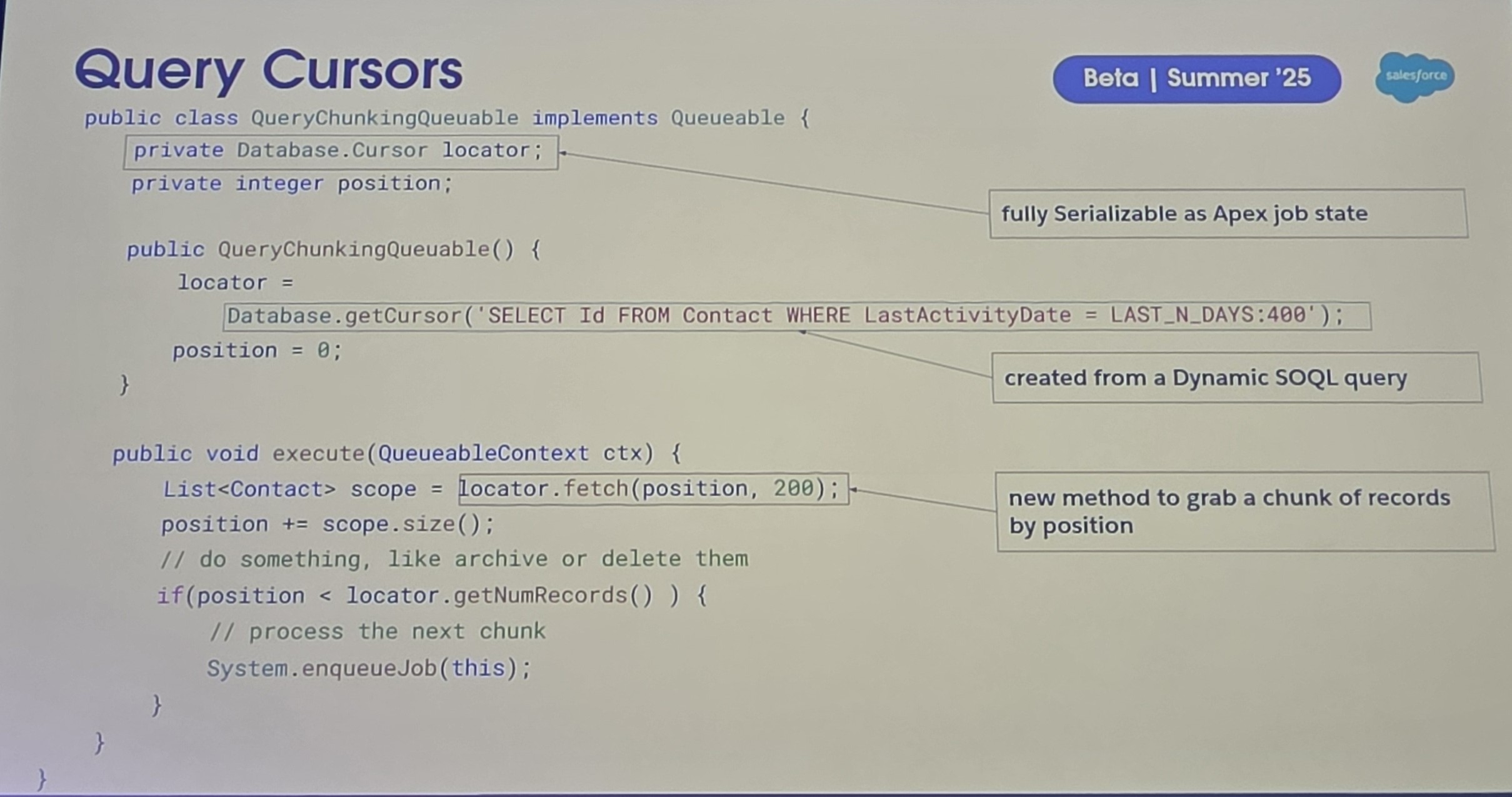
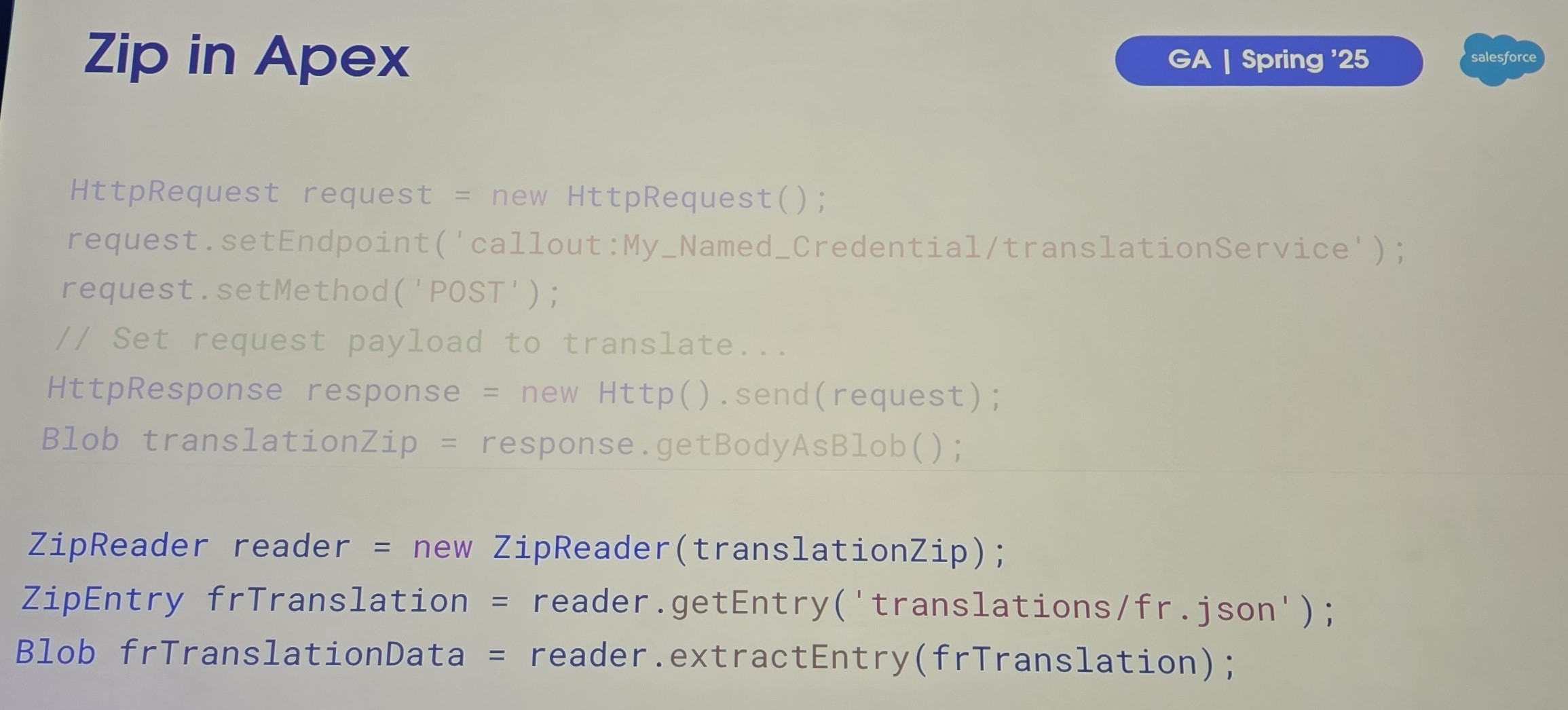
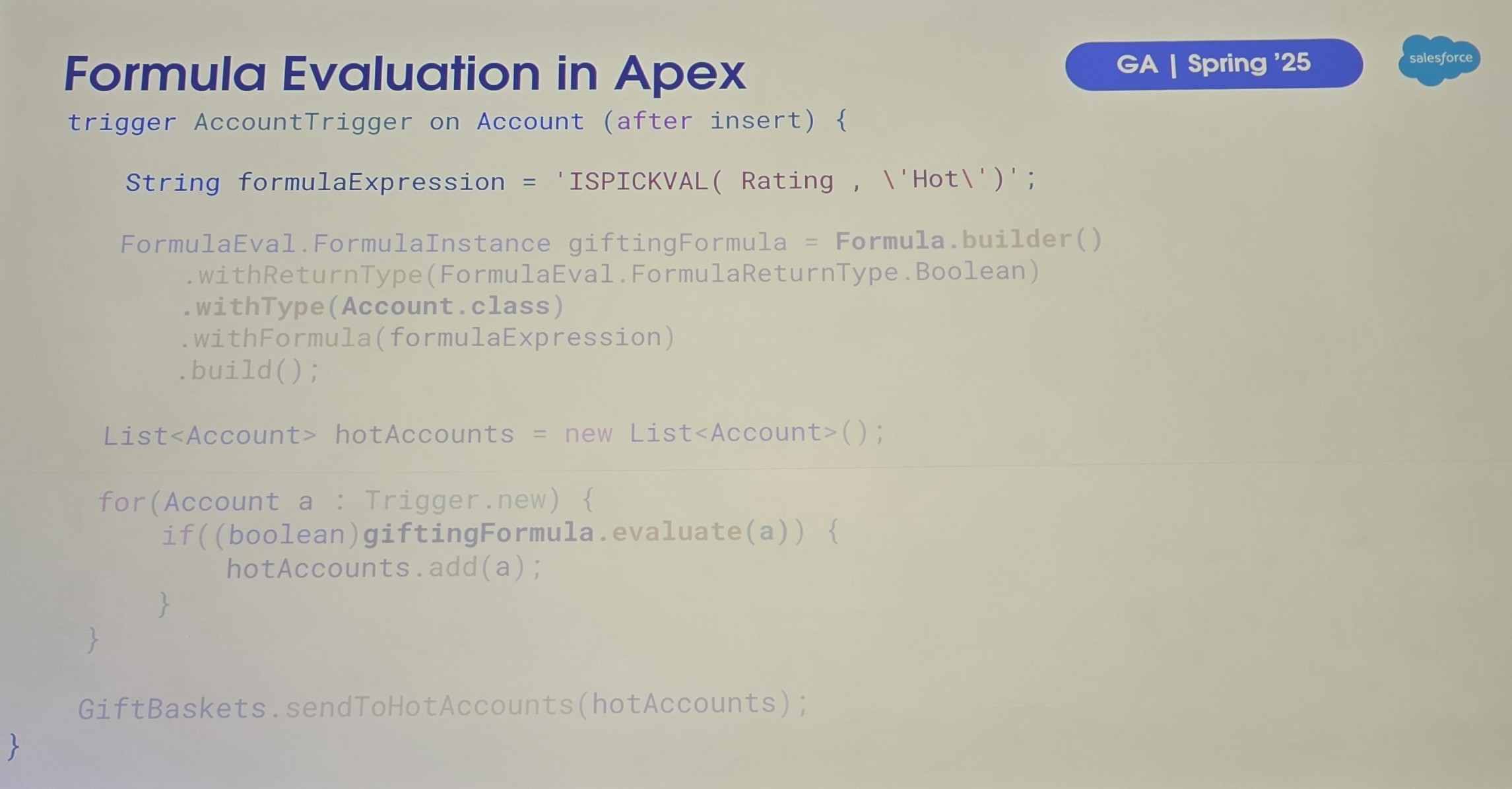
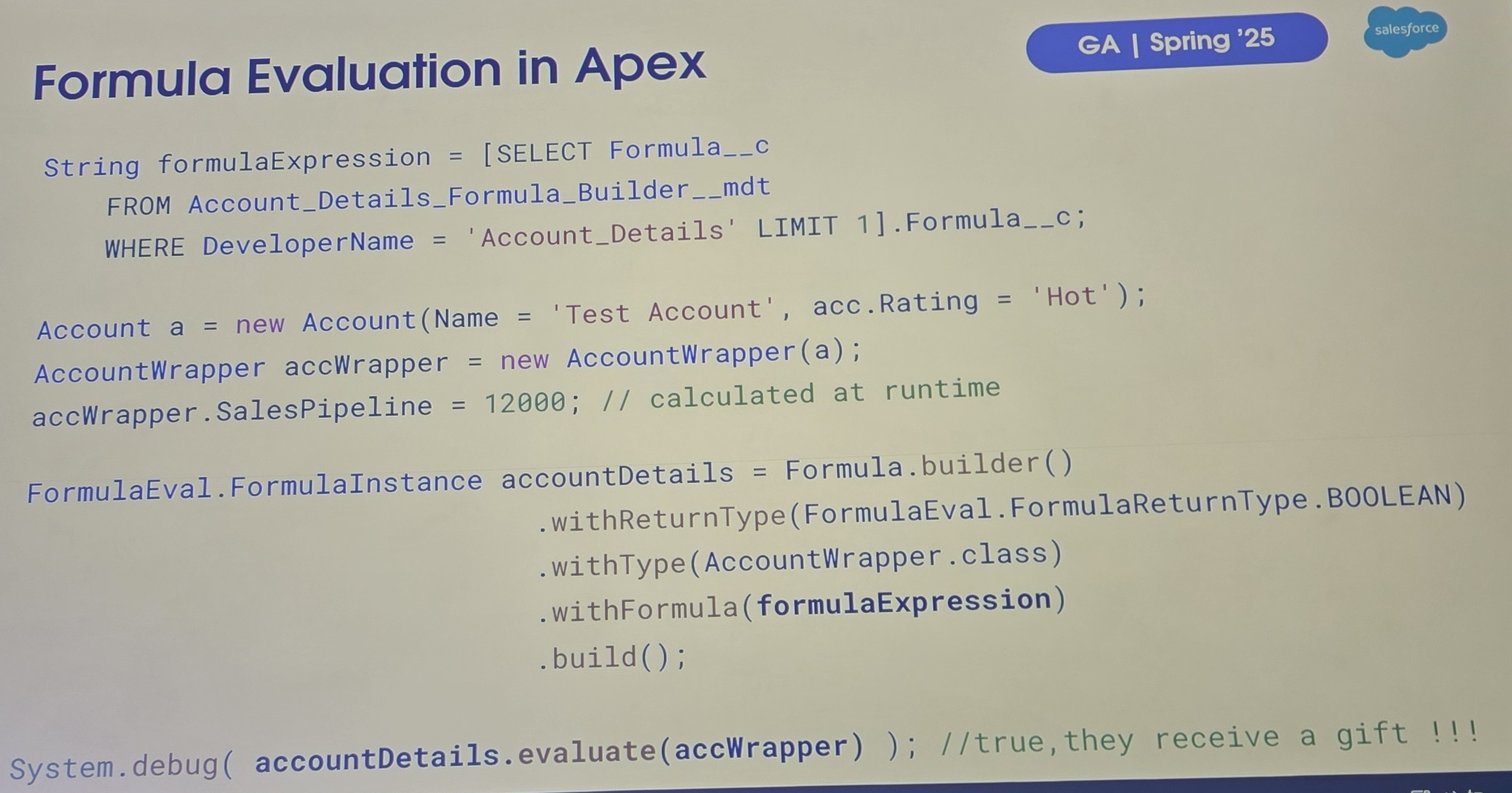
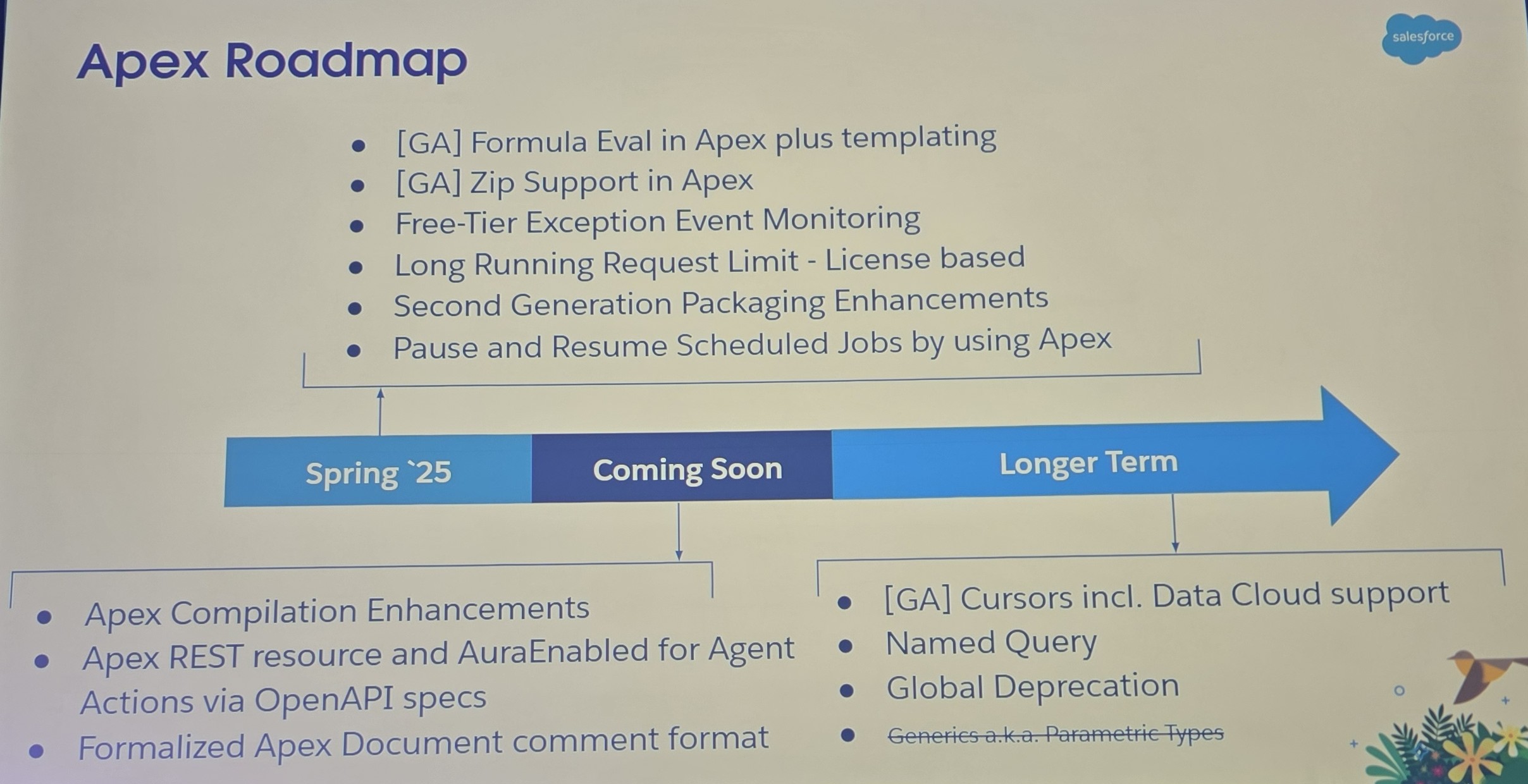
One highlight was the Apex roadmap presentation, humorously reintroducing the nostalgic “formula evaluate” feature, which I saw presented with nearly the exact same features some 25+ years ago for Lotus Notes, an entertaining reminder that innovation often comes full circle.

Moments like these injected a fun, relatable atmosphere into the technical deep-dives.

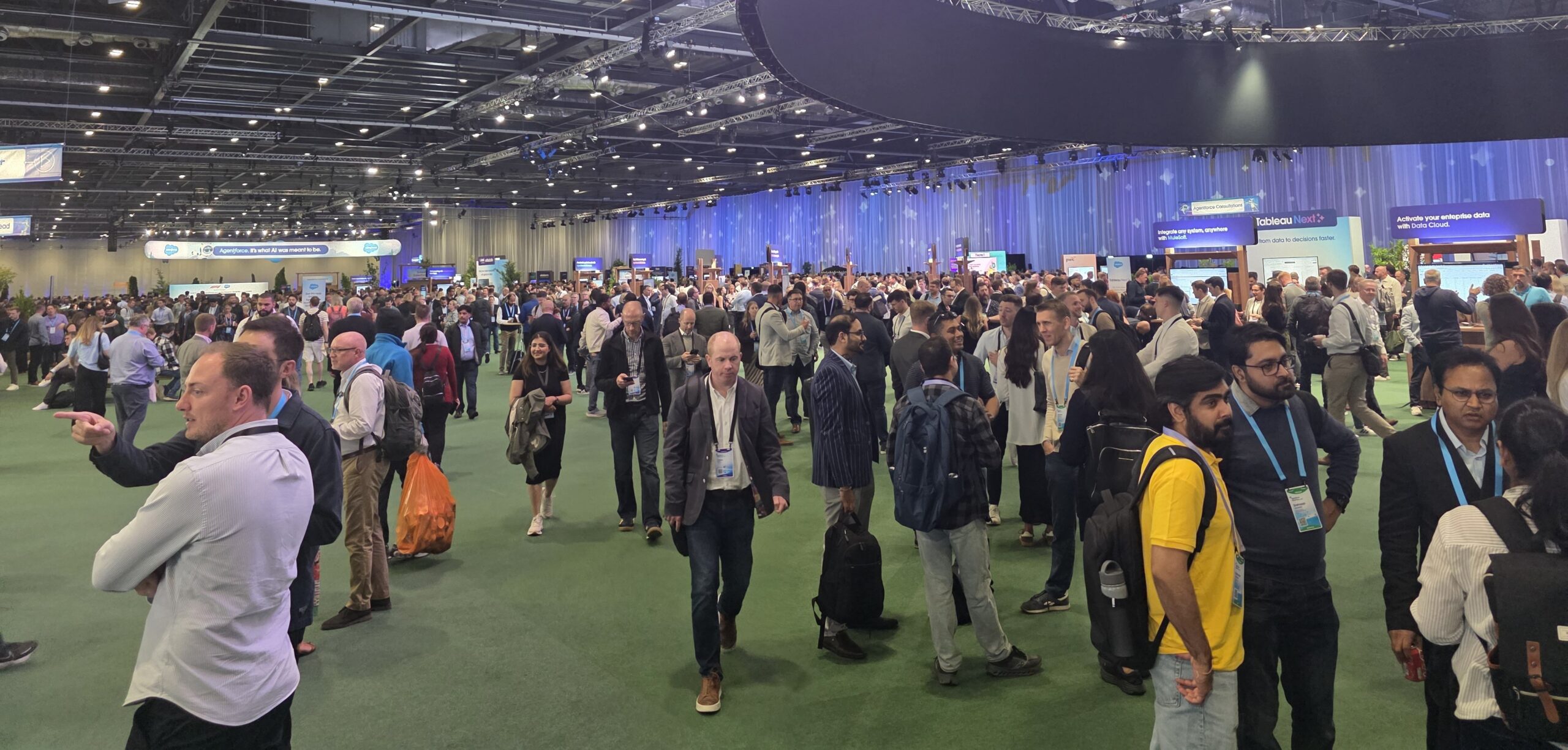
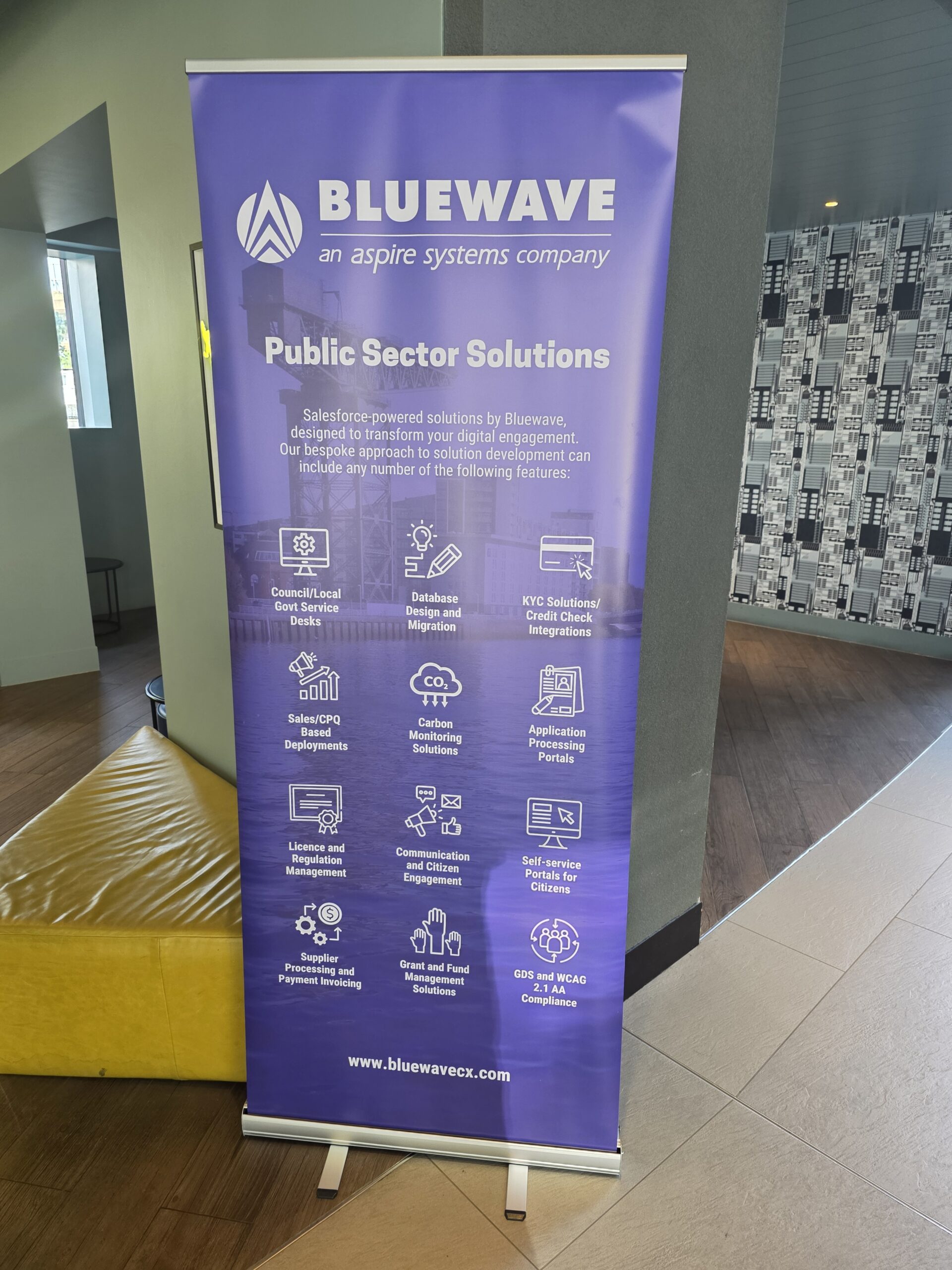
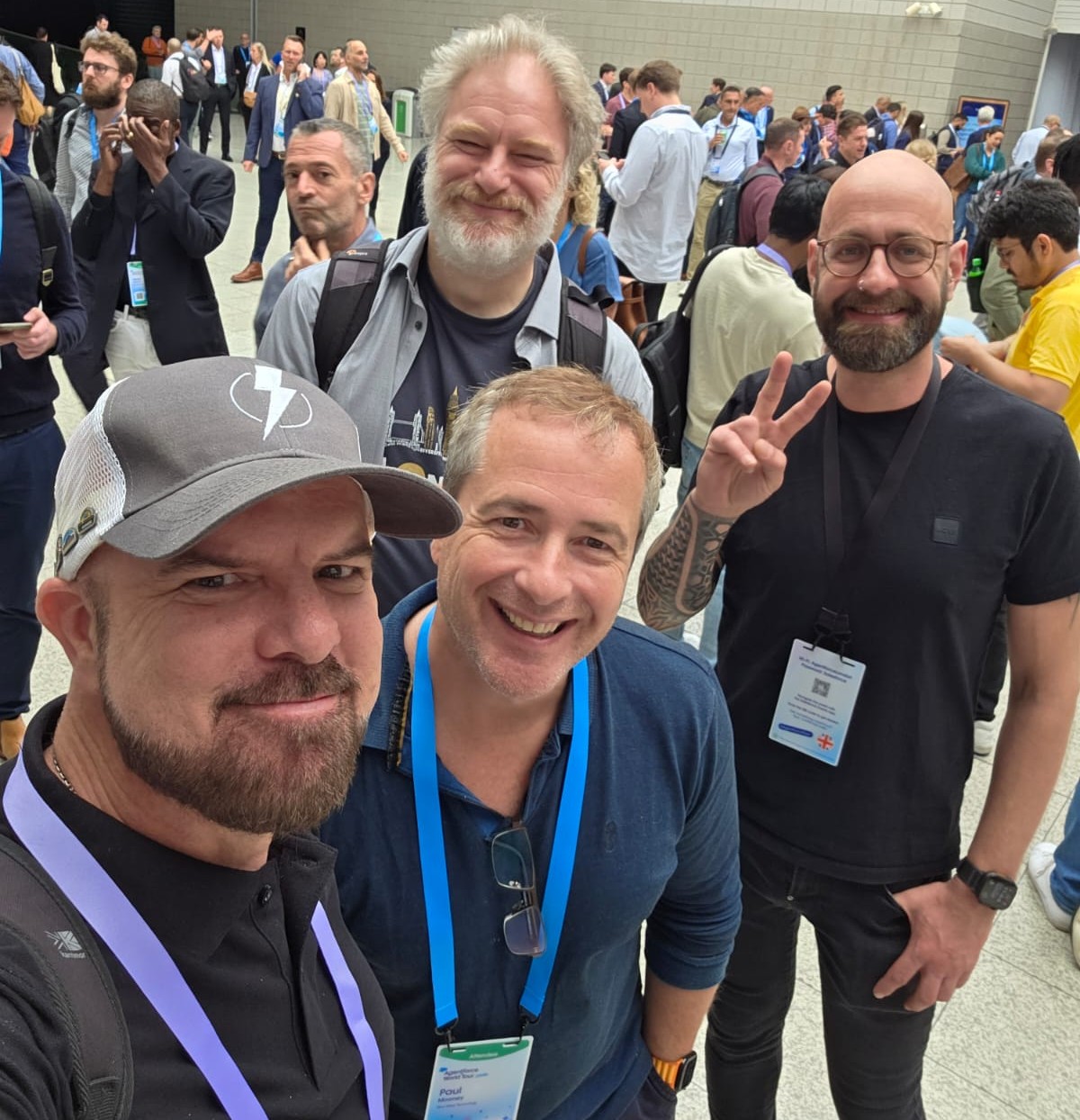
Beyond the sessions, reconnecting with the Salesforce community was another significant highlight. Interactions with familiar faces, including the energetic Blue Wave group, brought a sense of camaraderie reminiscent of tech communities from the golden IBM era.

The event also offered amusing insights into vendor dynamics, as corporate sponsors creatively engaged attendees with invitations to social gatherings, sparking entertaining moments of corporate courtship.

Overall, Salesforce IDX London 2025 was vibrant, informative, and well worth attending. It balanced serious technical content with enjoyable community interactions, making the event a “must attend” each year.