At the end of 2015 a major financial commitment I had been servicing for 5 years finally finished and with the aid of my awesome wife’s bargain hunting abilities (who knew you can get nice rooms for £20 per person a night) we decided we would combine our missed honeymoon and our first holiday in 6 years and go to Japan, this is a record of that trip.
You will have to forgive my selective observations, the world interests me in different ways.
We started out at 6am on Tuesday, with a very twitchy Mark, twitchy from the idea that I have multiple clients and taking a holiday had disrupted them all. It had taken til 3 am to reach a stage I was at least comfortable with the idea of not completing every job that I had outstanding, however my clients had been very supportive with only the odd self-centred manager attempting a form of guilt trip (a special thank you to both LAN2LAN and Bluewave who both covered for me really well)
The Lufthansa planes were clean and nicely on time (if only they could get your meal choices right and that 50% of their staff are rude), and Frankfurt airpoint had a good free wifi enabling be to answer a few more emails and start to let go. before I get on the fun stuff I’m just going to make a point that this twitchiness was something that had to be got over, this holiday was not only the first holiday in 6 years, but the first proper one for even longer. As had been pointed out by many of my long suffering friends I had become a little work centric (read obsessed) and not only was this holiday a dream trip and belated Honeymoon but it was therapy 🙂
Right! On with the interesting stuff.
As a tourist arriving in Japan internet was a must. Thankfully not only can you get prepaid sims out of vending machines but with a couple of days notice you can get a mifi with unlimited data (I had a few slowdowns but on average I was using about 3Gig per day) I would heartily recommend the company I ended up with, they are called http://www.globaladvancedcomm.com and you pick your mifi up at the airport then drop it back in the same place with a pre paid envelope, simple and fast.
We did all our traveling via public transport, both the tube and train systems are clean and cheap, we did not bother with the travel cards as if you are doing less than 1000 yen worth of travel in a day it is cheaper to just buy tickets as and when you need them, all the city’s we travelled in had English tube and rail maps and everything is well sign posted (there are a lot of sign posts but the one you want will be there somewhere)
As far as navigation on foot went, I found Tokyo to be a dream, what I would call a dirty grid, in that there are big blocks of building surrounded by major roads, but each block was a chaos of tiny streets and mad shaped buildings, so finding roughly where you want was easy but narrowing it down to the actual building was more an exercise in orienteering than following an address (Google maps has a whale of a time and gets things wrong about 40% of the time)
On money: the 100 yen coin is your friend you need them for far more than you would think so if you see a change machine (and there are lots round ) make sure you use it.
Living ancestors: if everyone is walking slow with no obvious sign, try looking down, you will often see a tiny old person and I do mean tiny (maybe up to my waist) DO NOT PUSH PAST most of these people are older than God and have seen many things (including a nuclear bomb fired at their country) and deserve a bit of patience.
Bullet train : called the Shinkansen, this train costs about the same to ride as a British train ticket bought at the station but for the same money, you get a clean fast on time train with nice facilities and tons of leg room.
That’s it for the general stuff, will post specific stuff in the next few blogs

All the bathrooms we had were these nice small wet rooms with excellent showers in them, beats any posh hotel

A perfect little Airbnb room in Osaka
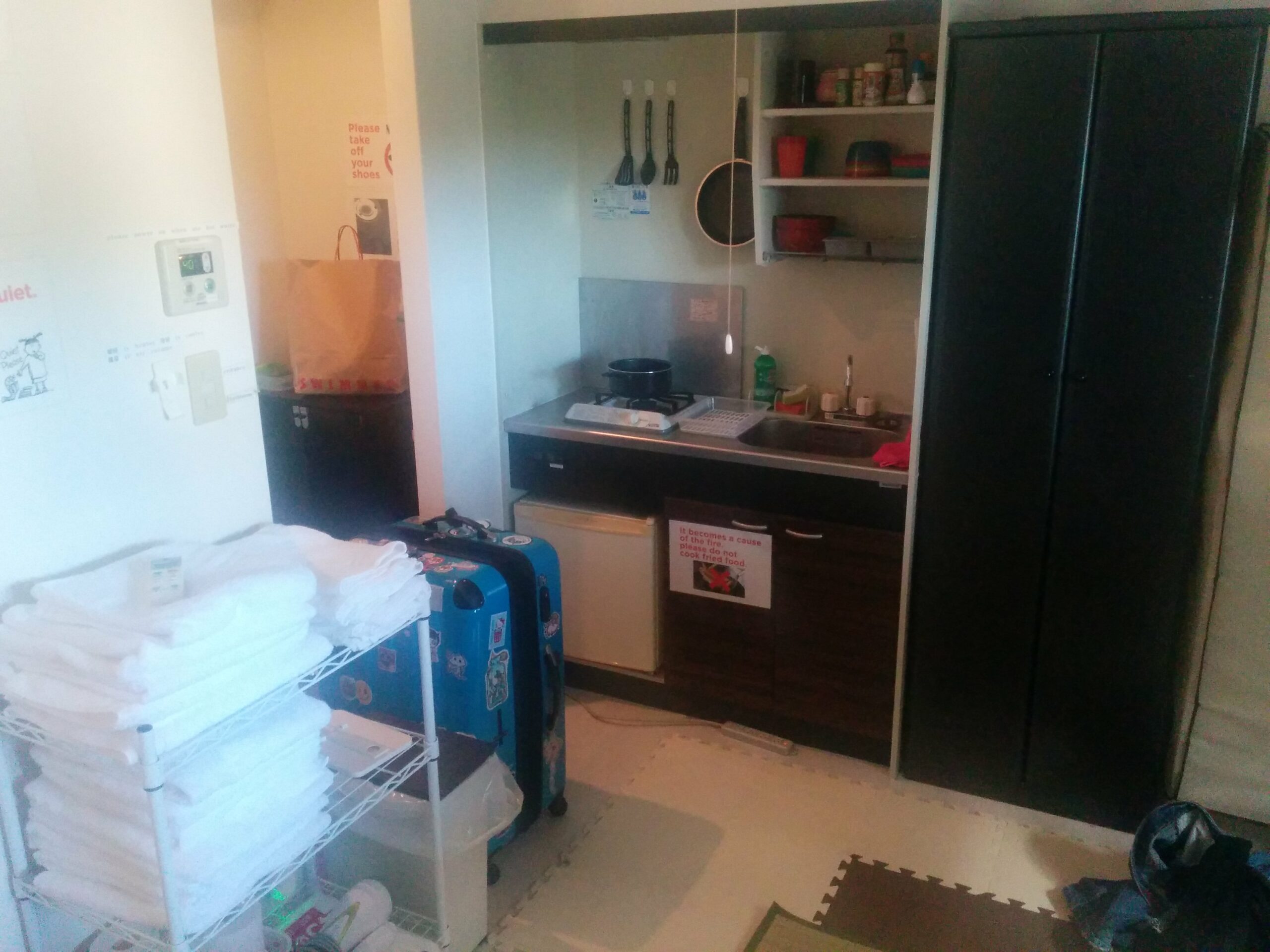
Every creature comfort and all with simple easy to understand labels
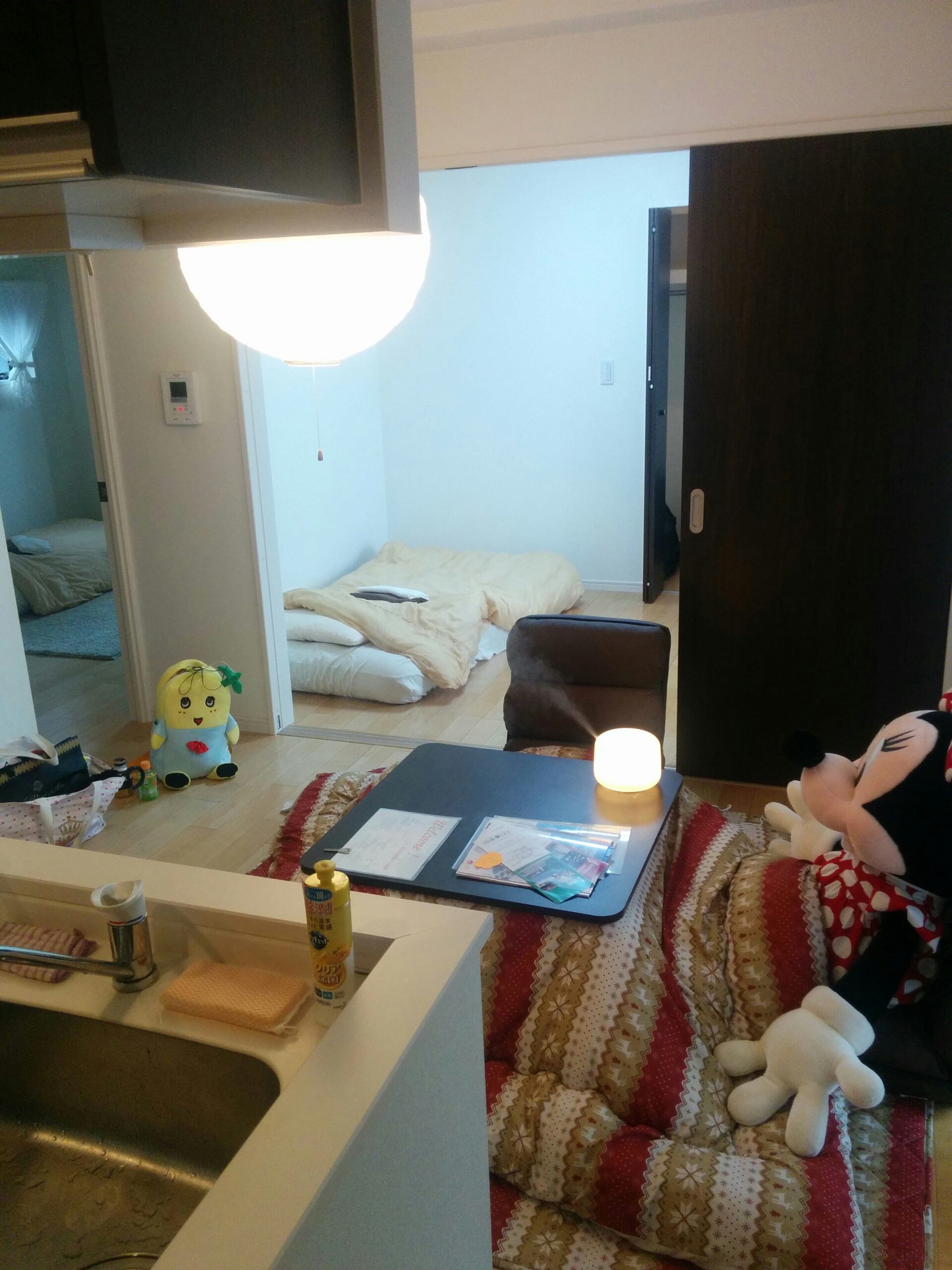
The third flat we got via AirBnb was by far the poshest but as it was new we got it at a discount, it was 10 floors up in a tower block and had all the mod cons such as an auto fill bath and one of the cool tables with heaters built in

Lots of toilets have the bolt on seats that have built in bidets which I WILL get when I go home, why the rest of the world does not use these I just don’t know

The power sockets surprised the hell out of me, they use Type A only so no earth, none at all (WTF), if you need an appliance with an earth you have to do this extra screw-in earth cable (shudder), but for the rest of us don’t bother bringing a power adaptor with an earth pin ( type B ) as it wont fit.

Tactile paving in Japan is far more widespread and uniform than for example in England and very obviously for the blind, with raised lines for travel and raised dots for intersections or danger areas, you see it in all tube stations and a huge number of pavements next to major roads

Given my freelance and paranoid status the chances of not bringing my work with me was nill, but thanks to my love’s understanding nature (and the fact she sleeps 4 hours more than me per day) I was able to deal with most issues before they became a problem, a great aid to this was the fact that Japan is 8 hours ahead of the UK, so I had those four hours to get stuff done before clients came in for the day, and finding things fixed BEFORE they come in gives every client that warm loved feeling.

Even from a distance mount Fuji looked amazing (at least I think this was mount Fuji, it was in the right place)

The Shinkansen felt like the heyday of air flight or how you hope your seat will be as you get on a plane (but then you pass business class and continue on to cattle class)

Your spacecraft will be boarding on platform 2
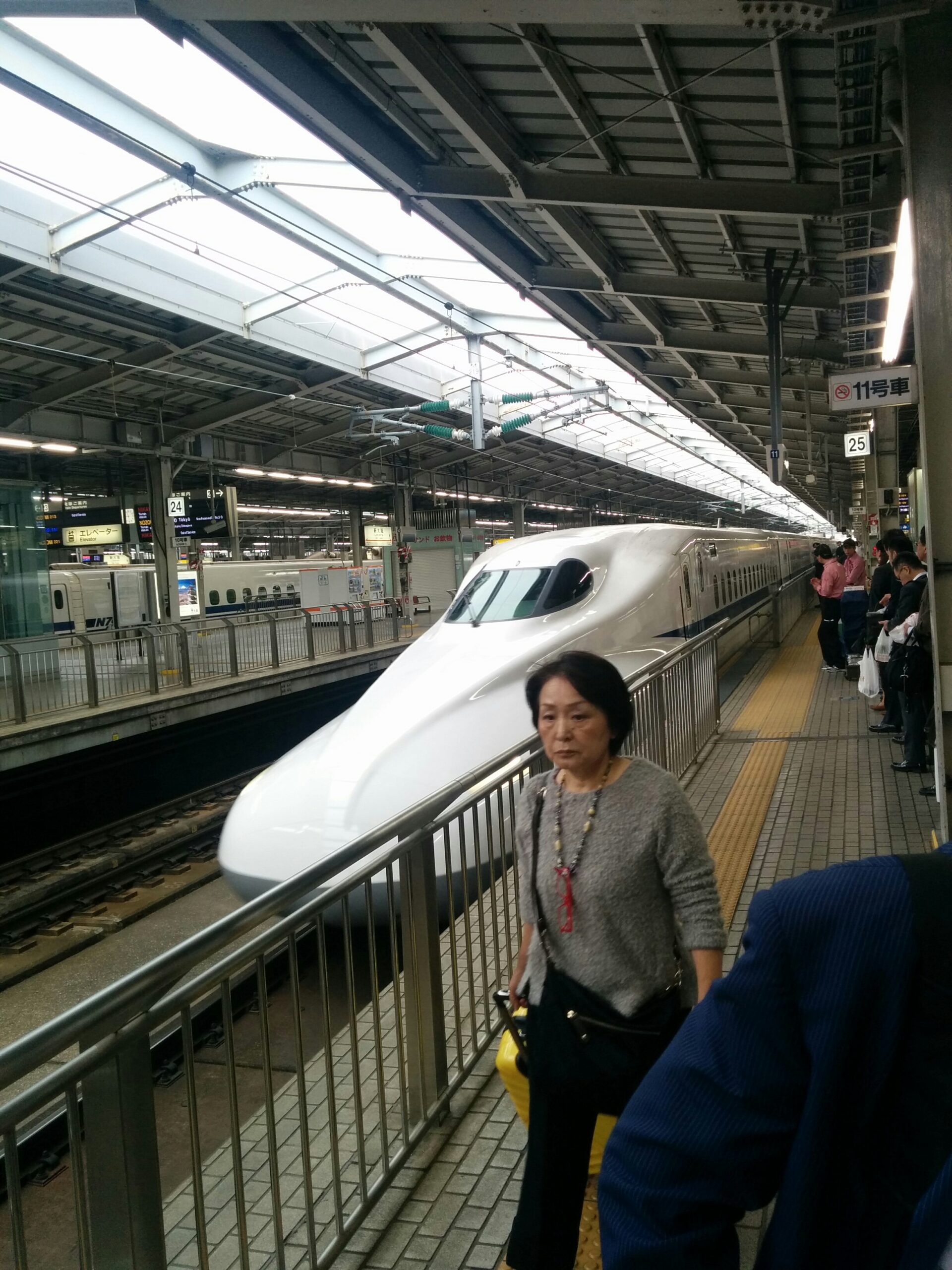
“Atomic batteries to power, turbines to speed”
- transform src="/assets/img/blog/XXXX" width="740" action="resize" [↩]