London’s Calling 2023


London’s calling for salesforce is a classic community conference with all the things that you don’t normally get in a vendor or marketing conference.

Initial impressions as someone attending it for their first time was that the conference was run by a long-time group of friends, 1 and gave off that warm community feel but still run professionally, and given that Salesforce is a still growing trend it was well catered for with all the freebies, everything from massages to good giveaways.

The Venue was excellent, helped by fantastic weather, but with obvious backups in case it all went rainy.

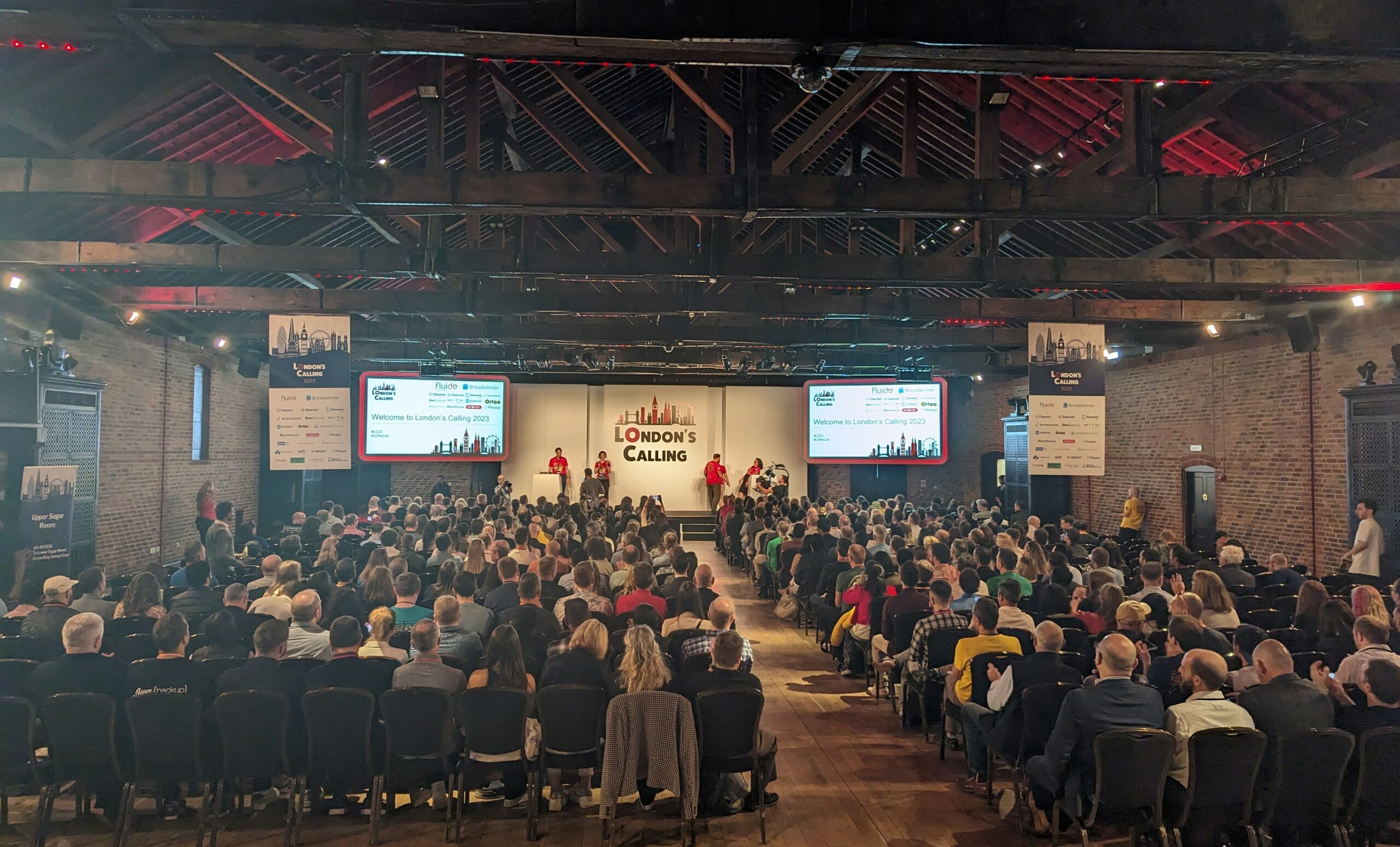
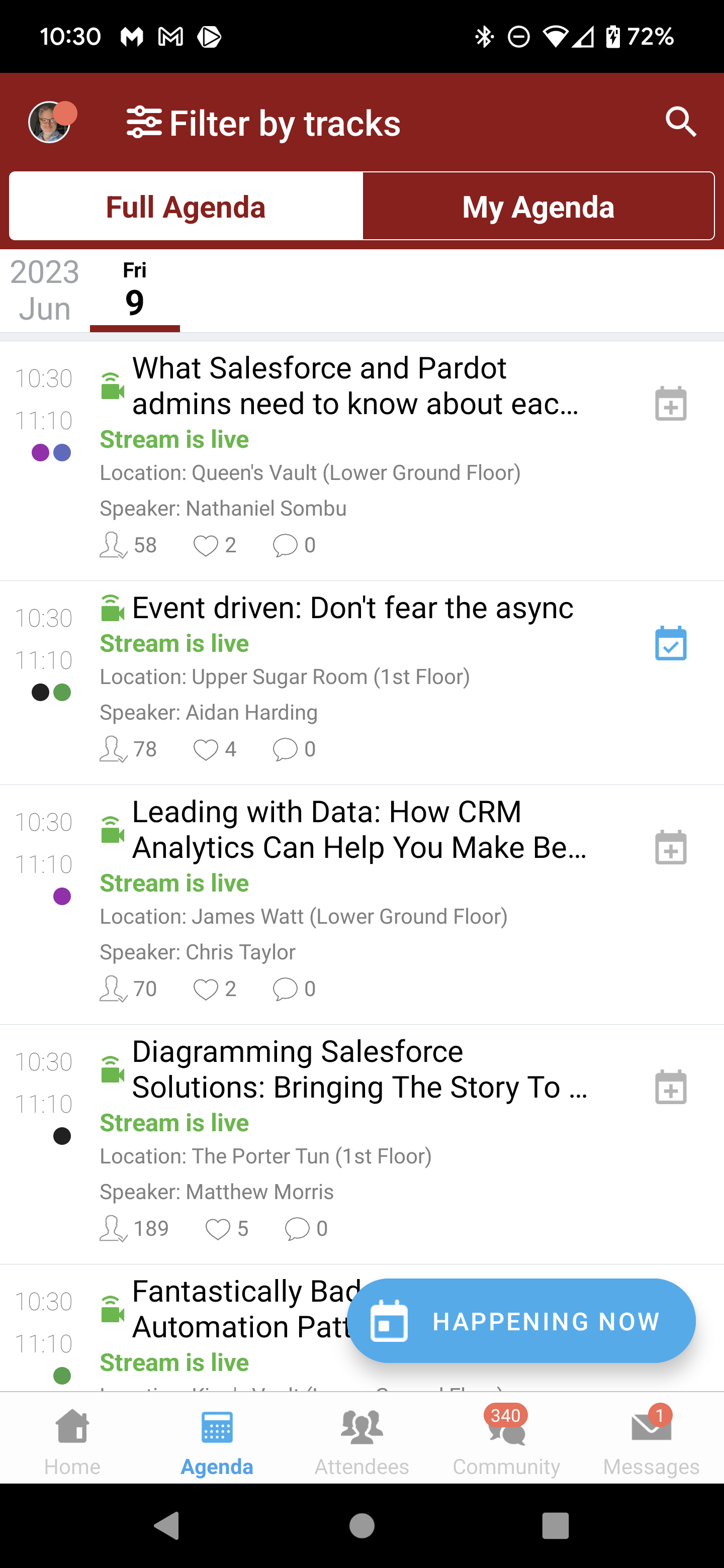
The content was far more what I like to see at a conference, with tons of deep dive content for the product and how to use and expand it. As you can see from the screenshot, there was loads of concurrent sessions going on and the vendor area was well placed because you go via it between sessions to grab a coffee.
The Vendor area its self was nicely laid out, and fit in well with the conference timetable giving you time when you needed it to have a good chunk of time to talk to a specific vendor.


There was a giant floor decoration of all the speakers in the main entrance, which was a nice touch

Good T-shirt Swag, solid make good art and slightly unusual (front)
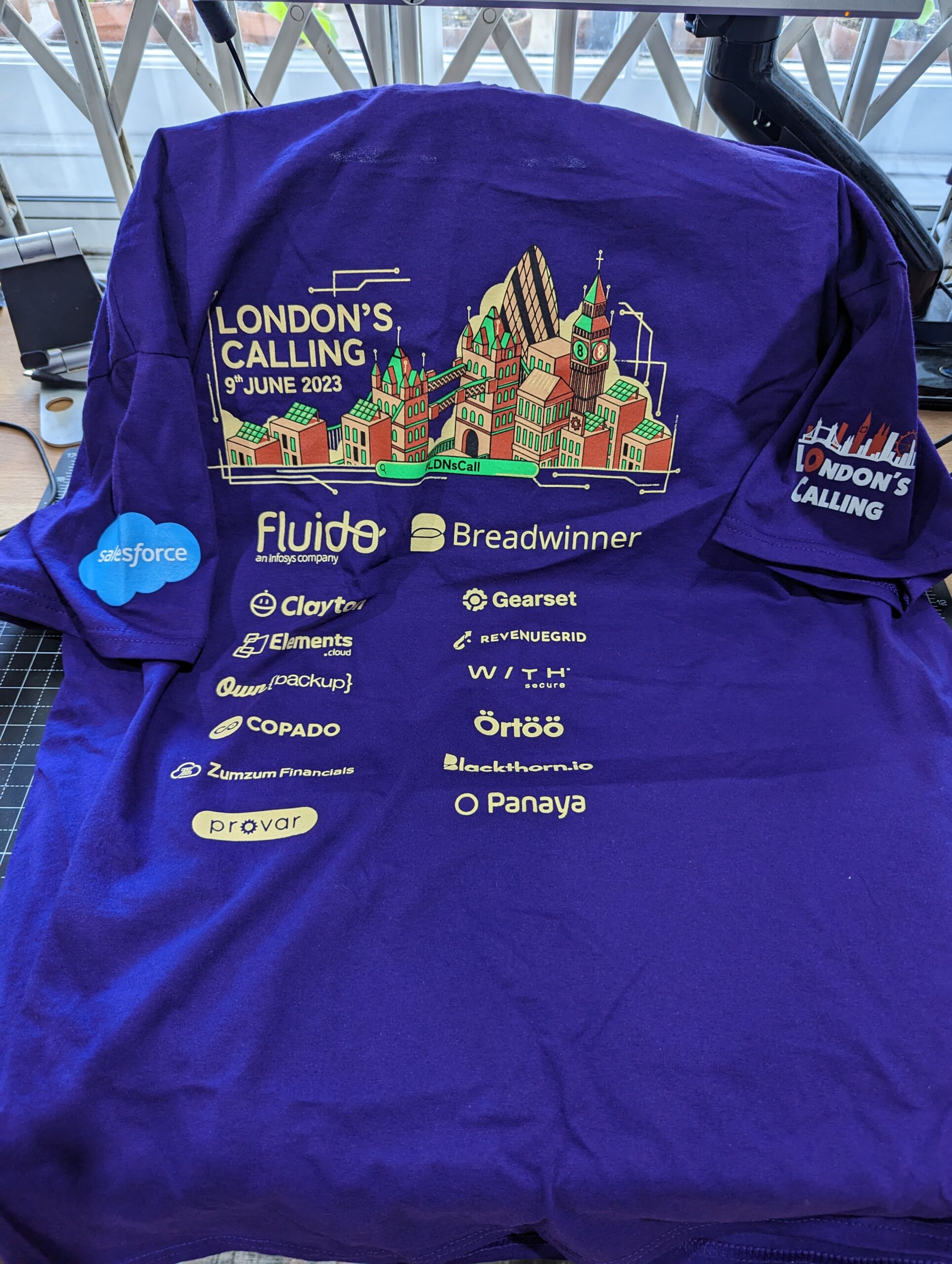
Good T-shirt Swag, all Serious sponsors (Back)

You could not get your t-shirt till at least lunchtime. So you can’t run off early which is always a known problem when hosting an event inside a major metropolis that is full of interesting stuff.

The session content its self was slightly different to the other community conferences I go to, which are very very geeky with live coding, meaning you had to research before you even went to the session. This was far more accepting to people who didn’t know much about Salesforce or its community. I think the phrase to sum it up would be “No Click Code”, which seems to be a buzzword used by a number of the vendors.
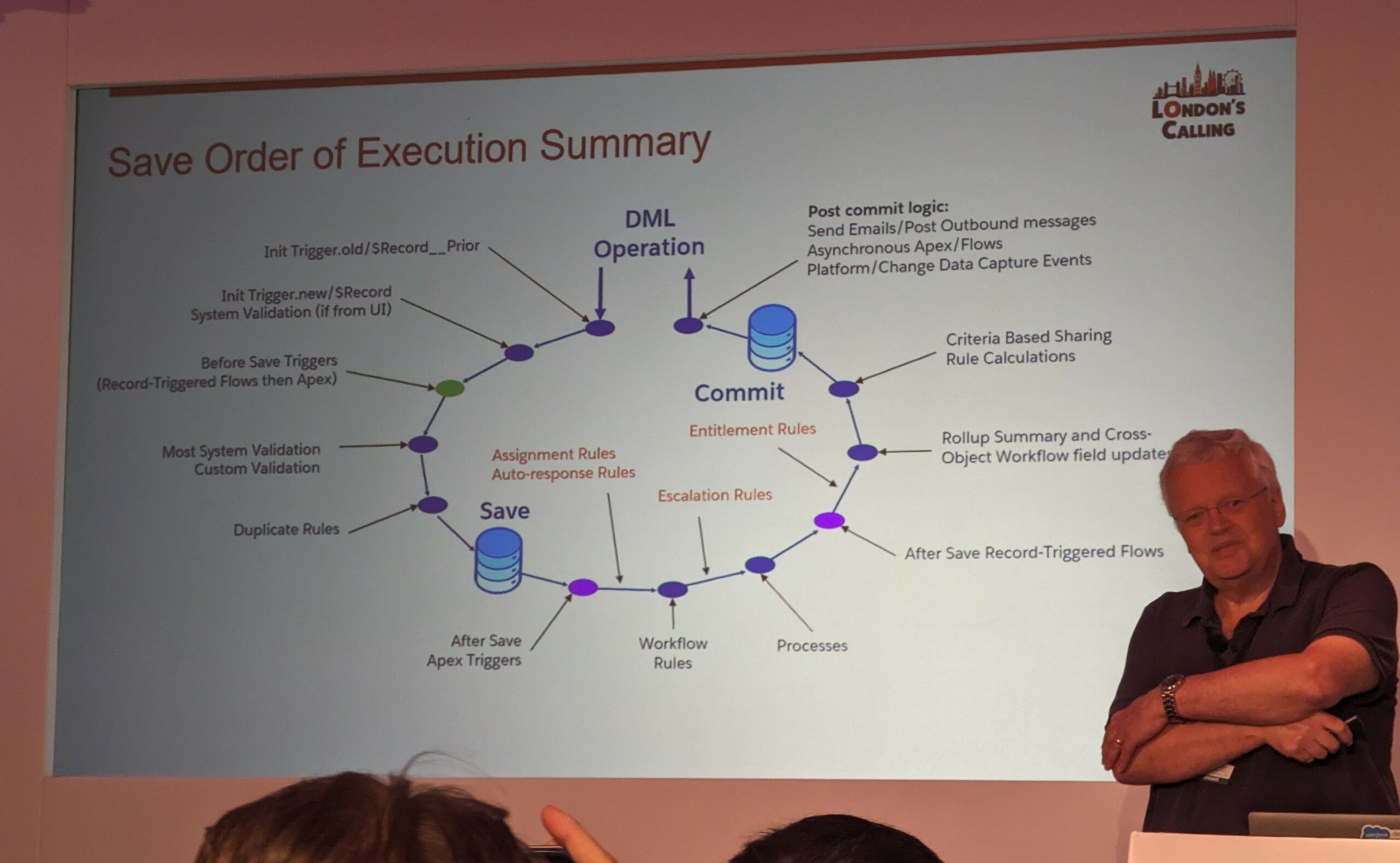
The best session of the day was “What happens when you click the Save button?” by Simon Connock, I would have killed for this lesson 5 years ago.

Personally, I do wish there was one channel available that you went to and did some really, really geeky stuff that was written by the pure devs, but I’m aware that that’s because that’s what I am. Everything else seemed to be catered for perfectly with good food and even an after conference party.

Now this is how you label snacks and Food at a conference.

Something that should be noted is they’ve managed to achieve near perfect diversity on genders in both attendees and presenters, far better than any of the big conferences or even previous communities ones, however they’ve done it, other conferences should be copying it.

Conclusion

Frankly I have not been shutting up about this conference to my colleagues that do salesforce, and will sure as hell be going next year as well as dragging multiple people with me, it is very much recommended.

  1. just like the IBM ones I used to attend,[]

Travel Toolkit


Ever since I started in support some 20 odd years ago, I have always tried to carry a small toolkit with me, back then it was a very cheap one supplemented with Christmas presents for my dad who has always known a quality tool 1. Now it is custom built out of the very best bits and bobs that I know about.

This is my current carry. It’s a tiny bit on the heavy side for most ‘suits’ but then again I’m not a lightweight person. Let’s break it down 2:

Wera 8009 Zyklop

Hakkin Allen Key Bit Set

Keyless Drill Chuck

Wera screwdrivers have long been my go to make, I’ve adored them for years. And they have reached their Pinnacle with the 8009 Zyklop ratchet screwdriver. 12 built in bits rather than the normal six. Beautiful quality all around , thoroughly recommended. I do however swap out two of the torx bits that they supply with two flat heads which are still used a lot. In addition on the photo, we have another Wera part, this is off another screwdriver and is just an extensionas you sometimes need a little more reach. Next we have a set of screwdriver adapters for Allen keys, the funny rounded heads on these are so you can use them slightly at an angle. strangely there is also a chuck adaptor for drill bits, I just seem to need it a lot and don’t like using proper drills in a number of places as a hand chuck gives a lot more control, for this I carry just one 5mm drill bit and a little bag for the various small parts. The missing items off here are sockets, the 8009 supports them but I just never seem to need them.


MegaPro 24-IN-1 Precision Driver

Bosch Professional 2608000495 Handle for Recip Saw

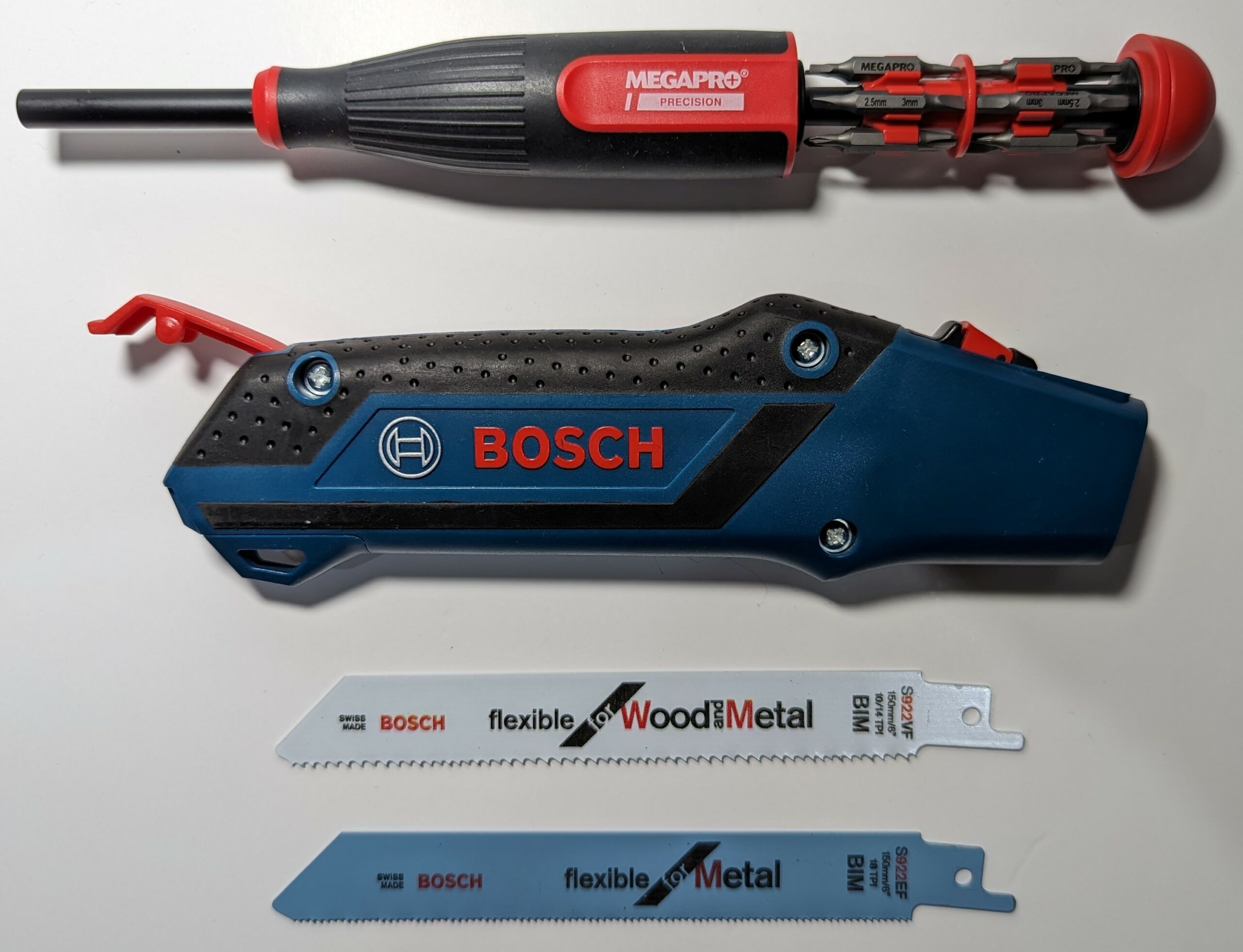
Next we have a precision screwdriver. There are lots of precision screwdrivers on the market but all seem to be designed to be desk bound, The Megapro one is the one that I’ve come to love. Not only does it have a good selection of bits inside which most precision screwdrivers don’t, because they’ve got a tiny useless handle, but as the bits are inside its a nice single unit. Next is a Bosch handsaw. Well it’s not really a handsaw. It’s just a handle, but it takes the standard blades meant for the big electrical reciprocating saws which are easy to get hold of and have different types of blades, I have found this a easy way of carrying around a small saw because the handle is hollow and can hold two blades. The construction feels a tiny bit flimsy but it’s held up to sawing through a variety of things so far, so I’ve got no objection.


Cooksongold Reverse Action Craft Soldering Tweezers

Coast H3PR Torch

These are reverse tweezers, they default to closed rather than open meaning they can free up a hand and they work just as well as ordinary tweezers. Also because they’re held close by default, you don’t have to keep something on the end to protect the tip so they don’t get damaged or bent out to place.

Now you wouldn’t think you’d need a spirit level but I seem to 3, This one is a free one that comes with big Dell monitors.

Next is one of the nicest little torches I have ever met, Yes I’m aware that we all have torches in our phones, but quite frankly, battery life is a serious thing and sometimes it’s good to have a good torch that won’t overheat. This one is well constructed. It’s USB rechargeable, and you can also swap out the built-in lithium battery for 2 x AAA’s in case you run out.


Knipex Cobra® XS Water Pump Pliers

ns-06 Micro Nippers

Stanley Fatmax Folding Knife 

Next are a pair of Knipex Cobra® XS Water Pump Pliers, they double up as spanner and pliers for me, they are tiny but you would not believe how strong they are. If you doing electrical or electronic things in server rooms or with computers and you need more grip than this pair of pliers can give then you’re doing something wrong in my opinion. They are apparently used by all of the small toolkit people and I can understand why.

Japanese micro snips, I don’t know why Japanese but these kind of very small cutters from Japan seem universally good. I originally bought them for modelling but now use them for everything. They’re obviously smaller than a proper pair of wire cutters but they take up less space, and for the stuff I’m doing I don’t need any more. Obviously they won’t handle things like a nail or something really serious. But again, I am not doing large scale construction.

And the last tool is a folding Stanley Knife, it’s not something you tend to carry around in public, but a main stay of every tool kit, this one as normal, carries a couple of spare blades and is rock solid.


The Magma 3 pocket pack

All of these go in a little bag. I know that some people like all the foldout/fancy ones, but quite frankly, who has time for that. A decent indestructible bag works for me and I’ve ever found better than the Magma three pocket set. it just fits hand tools nicely.

There you go, my odd little portable tool kit.

  1. being both a professional electrician and an amateur carpenter[]
  2. This kit isn’t my absolute de facto kit. my day to day tools I use at home are not so compact. My go to screwdriver at home is a gigantic Stanley ratchet one and I have for the last 10 years been using a lovely set of precision screwdrivers that my dad bought me. In fact most of my home tools are ones bought by him at some point and they are both excellent quality and hold good memories but this is the custom kit I have built for travel[]
  3. mainly for mounting electronics to other stuff[]

AWS Summit 2023

So I’m back for another AWS Summit. As always with Amazon, the actual organisation was slick and well put together, you received a phone call beforehand, asking what you were hoping to get out of the conference, the joining instructions and the app for managing what you got out of the summit was also really good. They seem to have scaled everything to an nicety.

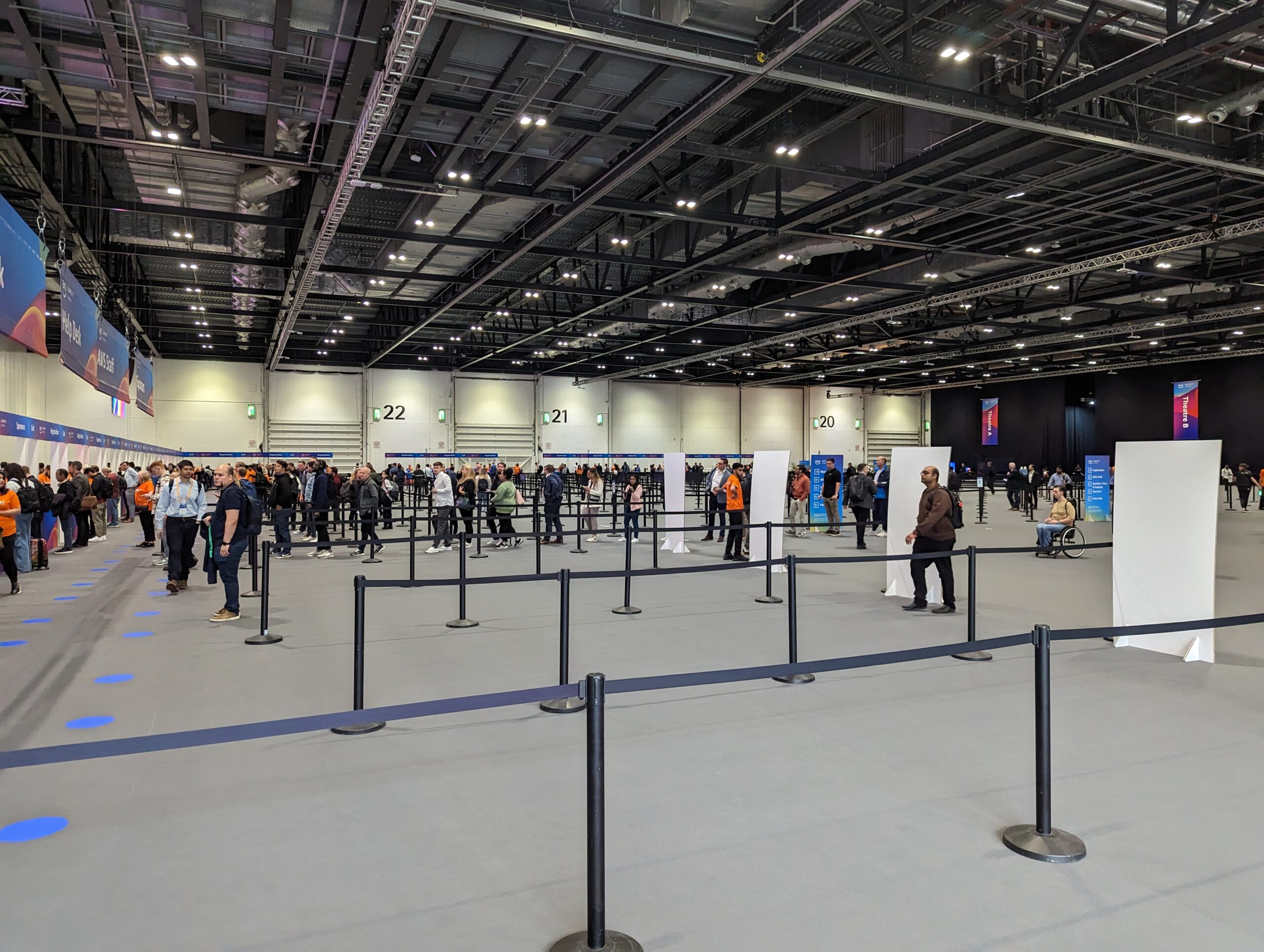
The Queues moved very very fast

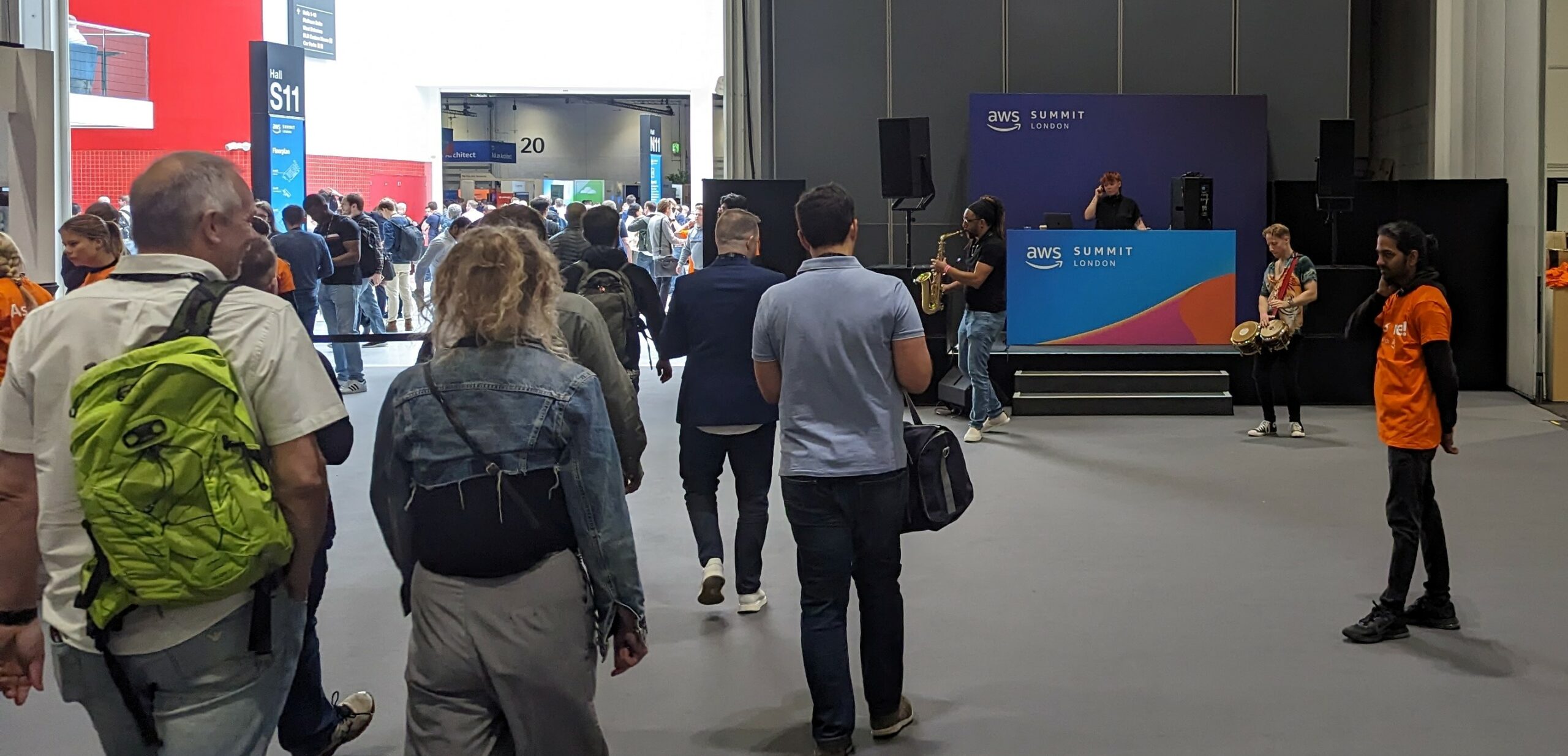
No recorded waiting music here, a live jazz band to pick up your pass

After picking up the pass and doing a good hard zip through the vendor showcase while they set up (making a list of people I wanted to see and chat too) it was in to the hall for the main presentation.


As expected, it was very, very AI orientated.

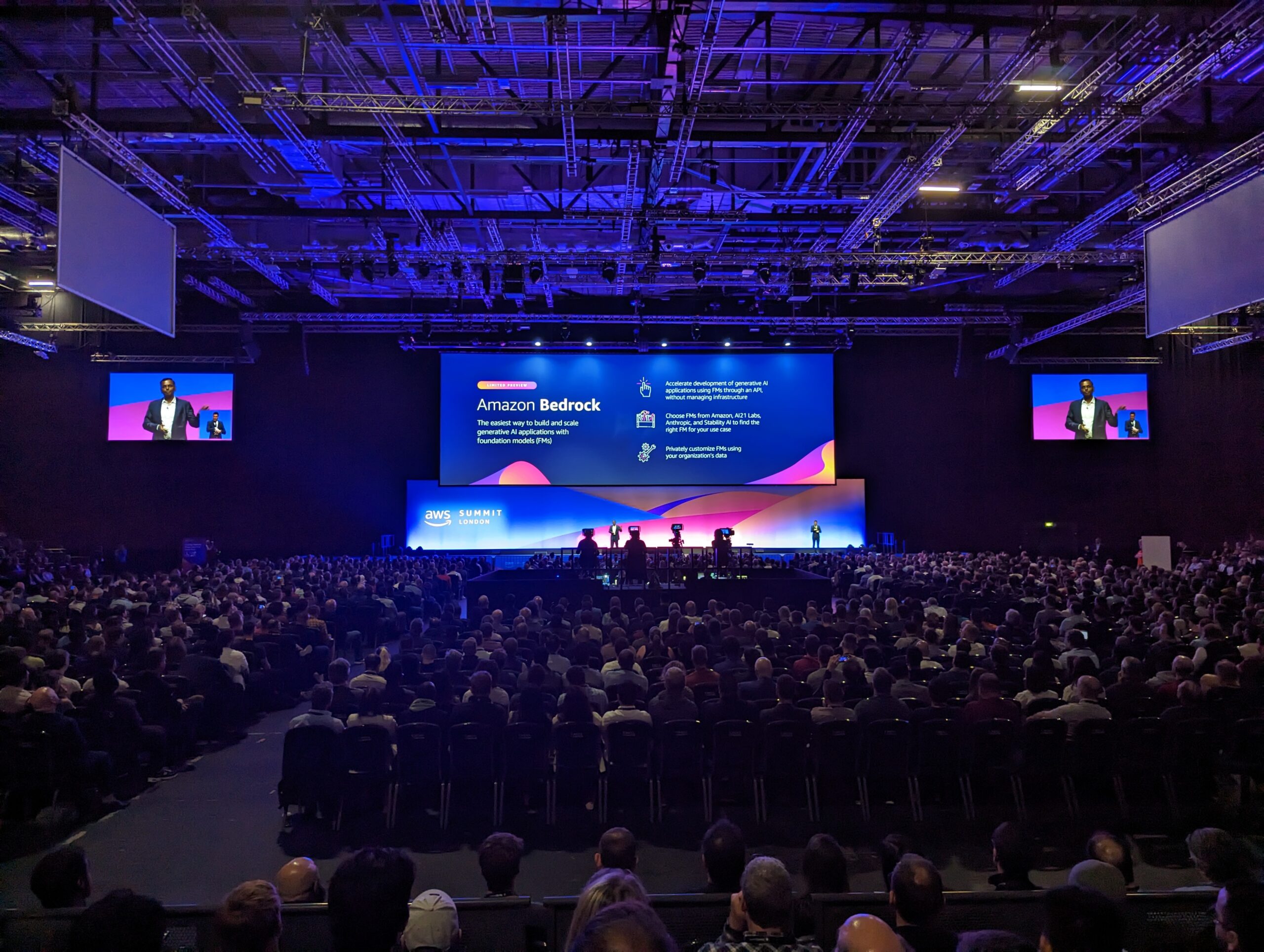
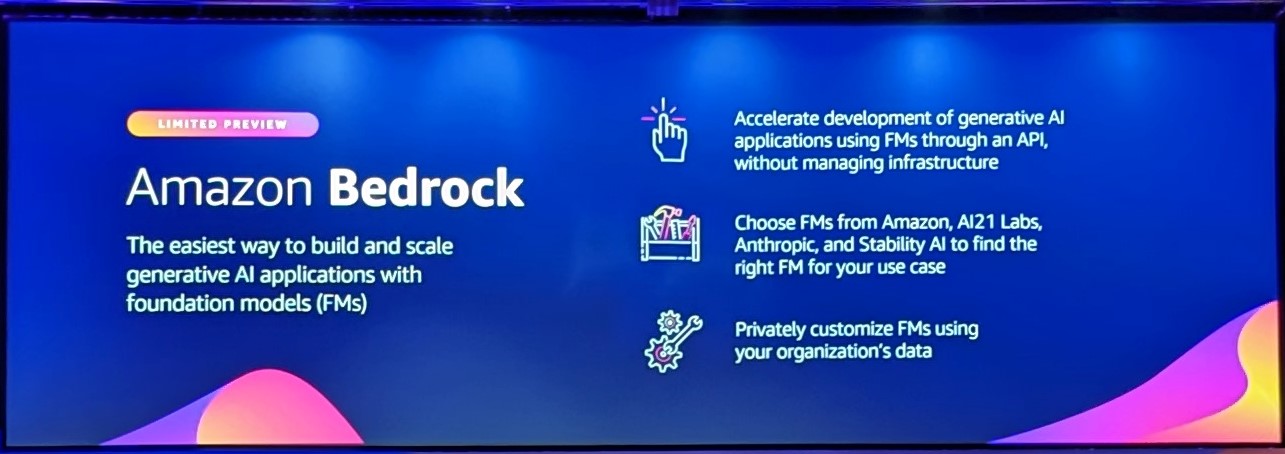
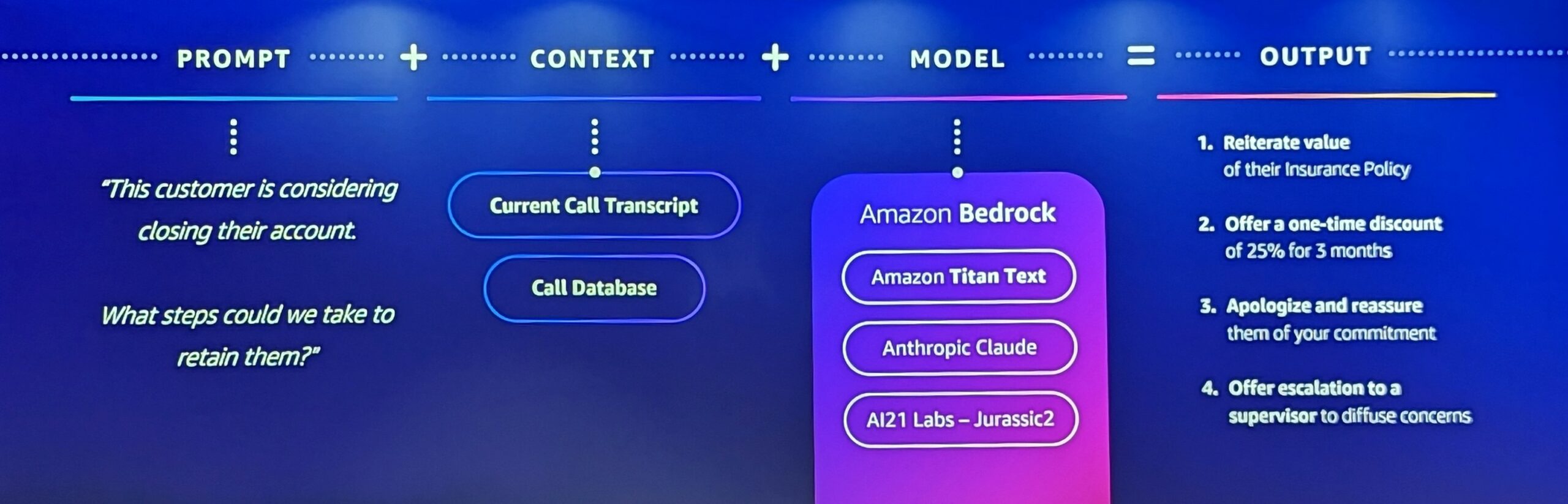
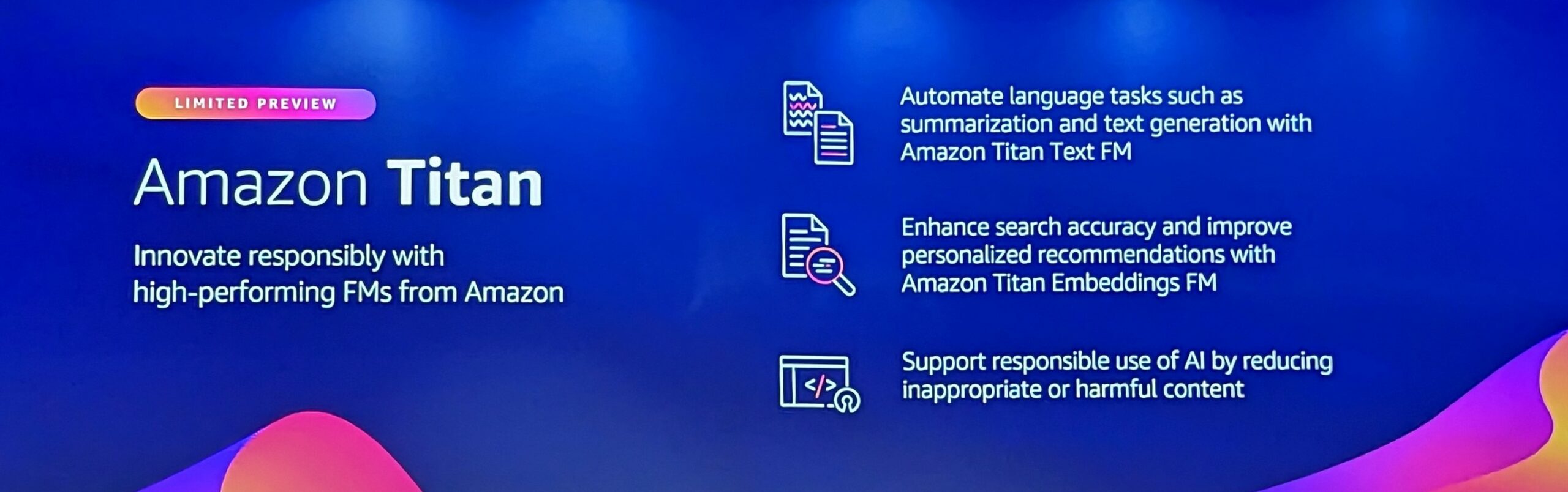
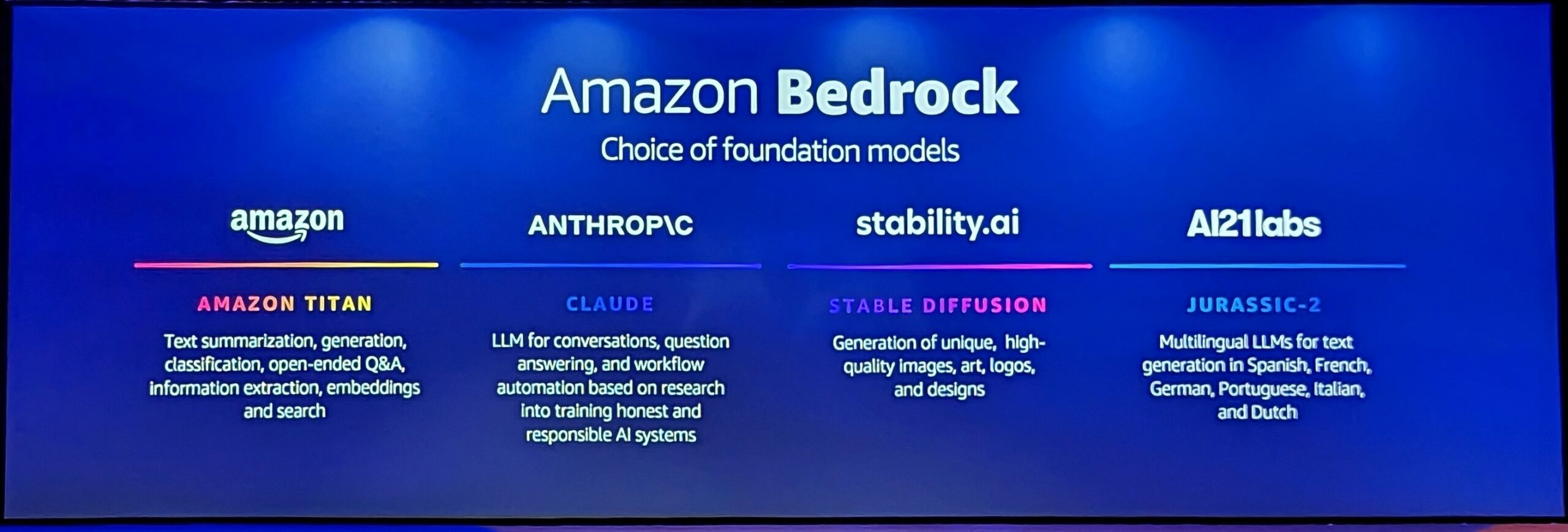
The main presentation on AI was exceptionally good, in that it broke things up into reasonable chunks and also was not only technical enough for the geeks, but presented things for the senior managers in a way that would be understandable. So, not only did they present their own AI as Amazon Titan, but it also brought into the common language the concept that there are multiple different types of AI cores that you could use, and how using them with bedrock, you could pick the one that is most suitable for your needs.

All of this was summarised really tightly and really made AI config into a wizard. 1

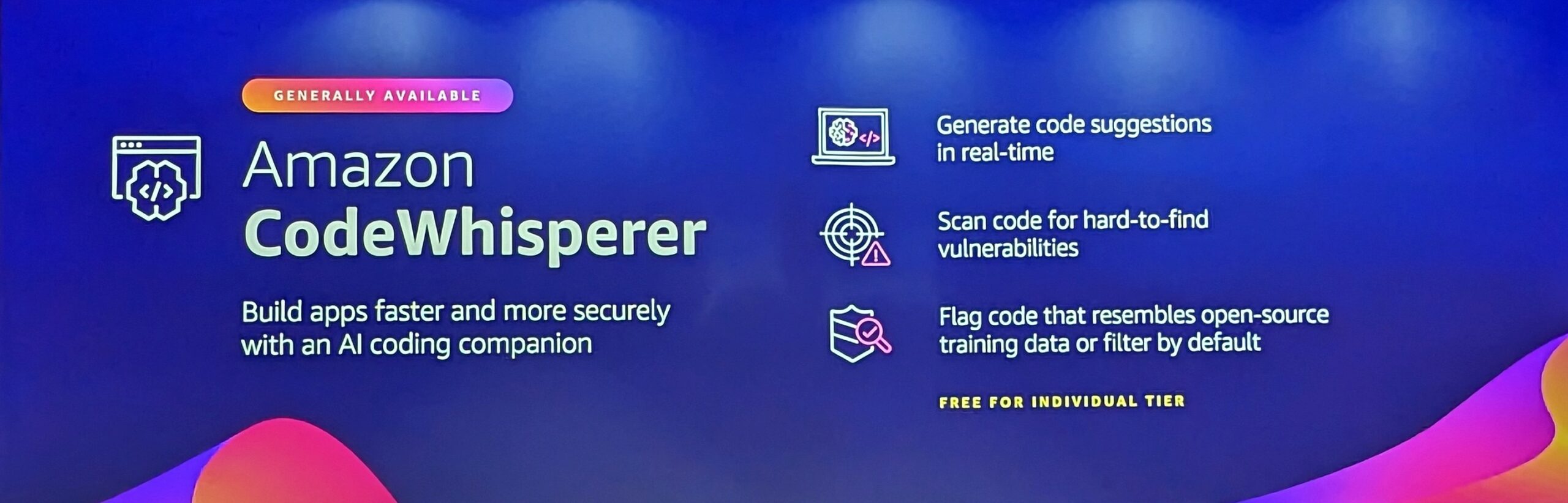
There was also a perfect nod to Amazon code whisperer which is a rather adorable plug-in, and is a truly practical use for AI with genuine productivity

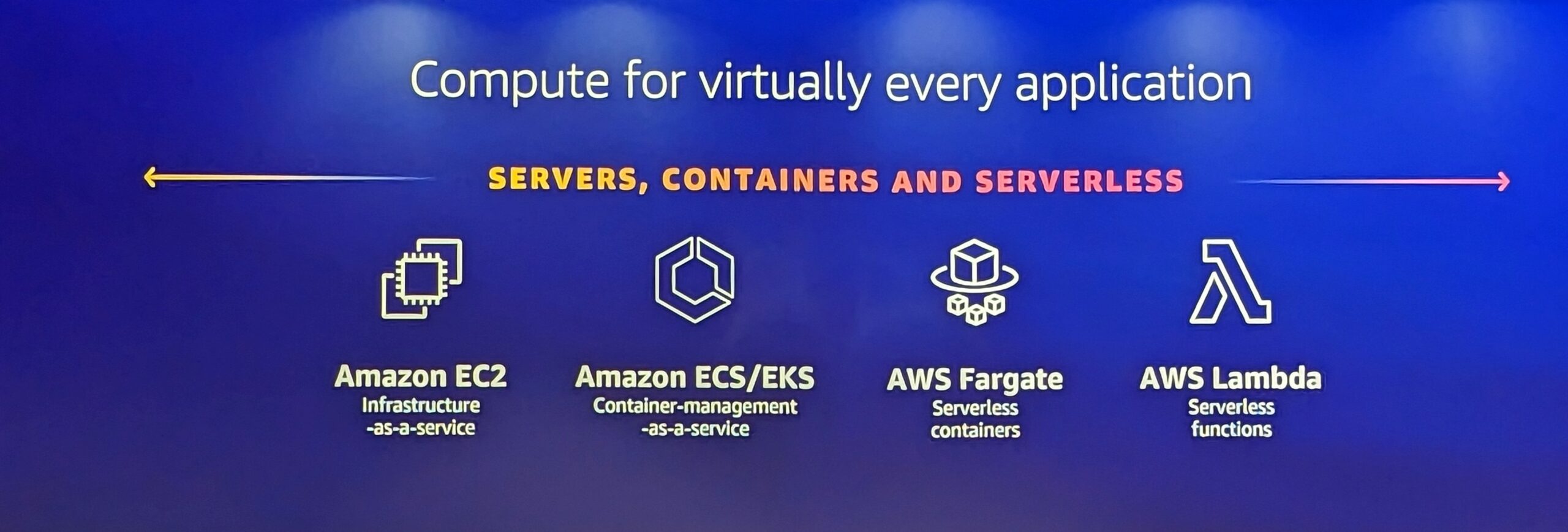
Thankfully, it wasn’t all AI. They did demo a bunch of the core stuff that makes AWS so good, and laid out the different levels of servers vs containers vs serverless. showing that you can move between them at any point, etc etc, which always needs to be hammered home I feel in the modern app world.

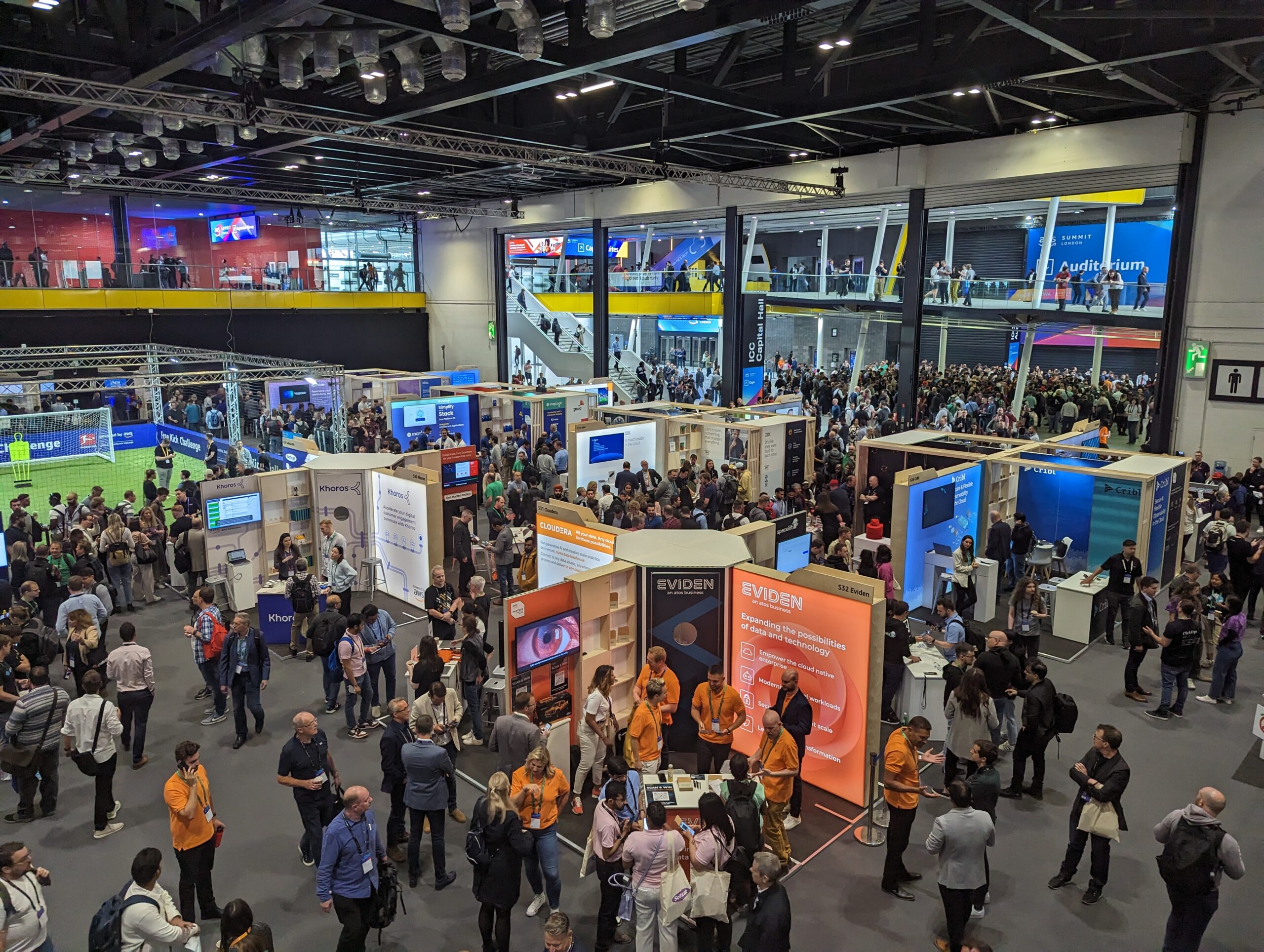
The Lower Floor showcase floor before it got busy

The Lower Floor showcase floor before it got busy

However the conference was not perfect.

The showcase floor was scaled the same as other showcase floors. yet somehow felt constantly busy. I think there was enough room for the crowds to pass through, or for people to have conversations with the vendors, but not both at the same time. Now normally this is not a problem, because in such events you do most of your conversations when all of the sessions are on and the showcase floor goes quiet, but that break did not seem to happen, and that’s not to say there weren’t a load of sessions. They were dozens scattered all over the place. But they were on the short side, and there was no solid path or trail to follow. If you looked on both the app, and on the PDF, it was just a list of codes and the only colour coding or pathing was for the map its self. This seemed to dissuade people from going to the sessions. I never saw any large scale movement to get to the next session as you would in any other conference. People didn’t seem to know that the sessions were on. Which meant that I missed a number of sessions I would have rather liked attending, but quite frankly to have got them I would have had to sit down grimly with a pen and paper and some highlight markers myself and worked it out. So perhaps that needs to be improved for next year.

For the vendors them selves, They did seem to have a hard time differentiating themselves. There’s a lot of them there. and because you’re moving through quickly because of the constant pressure. It made it hard to just stop and have a look at ones that caught your eye (I really wanted to spend some time with CockroachDB but its was like fighting up stream).

The only other criticism for me was of the food. I’m one of the picky eaters on planet Earth, and myself and a colleague2 stood in front of a long queue. Then we were faced with a bunch of identical bowls. And had to work through a list of ingredients to try and find which ones could be eaten, at which point we gave up and went to the pub.

Conclusion

So was it worth it? Would I go again? yes to both, but only just….

AWS? Yes.

The technical side? Yes.

The chance to see which vendors are core to AWS and to talk to them? Yes.

The organisation of the conference and the facilities of the conference? No

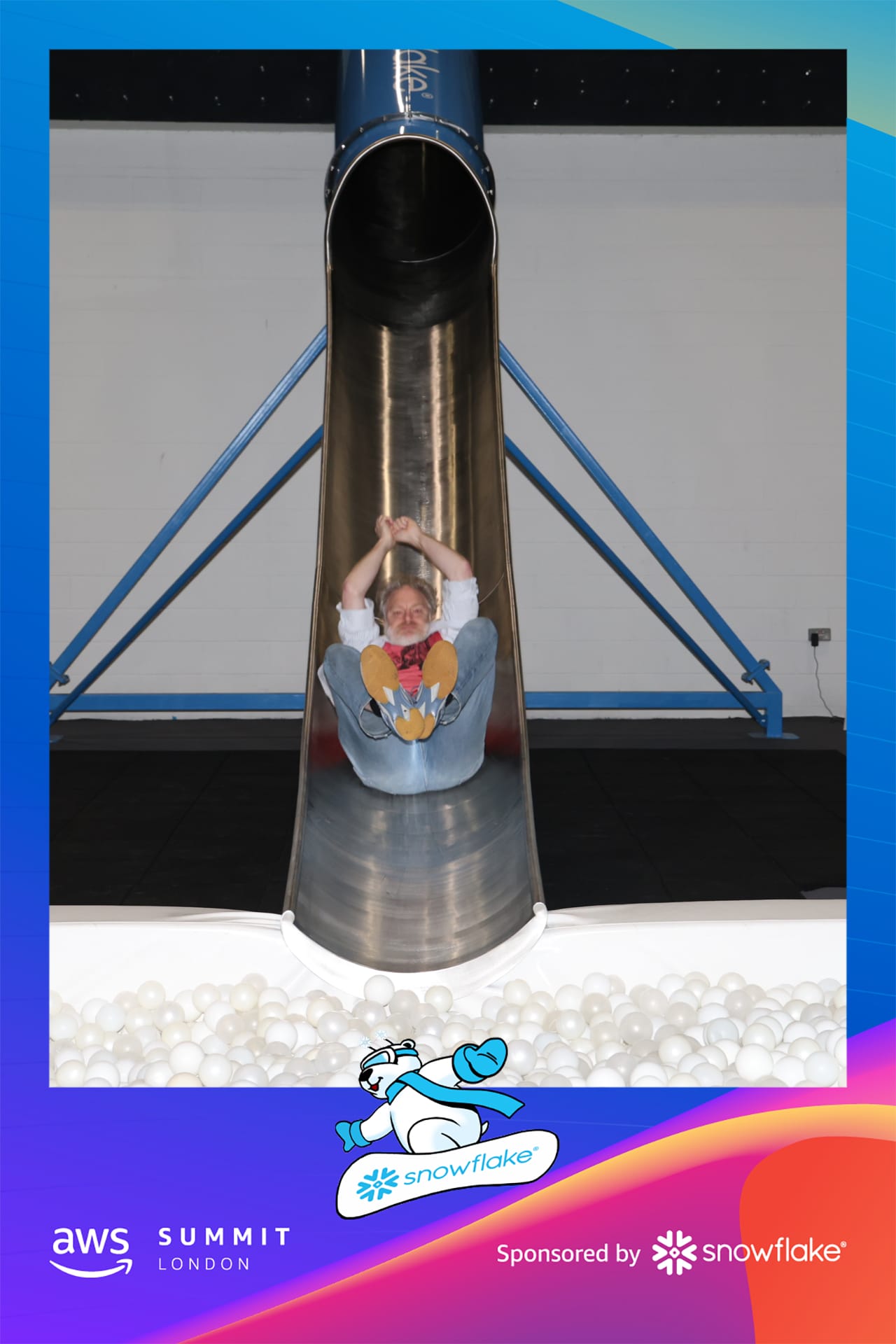
Me being dignified
Me being dignified

And this is what I was being dignified on


  1. Dear Lord setting up an AI with a wizard, never thought I’d see it[]
  2. who was one of the non picky eaters[]

Real life moving tech from On-premise to Cloud

For a lot of the major companies, the quick wins of moving to the cloud, which really translates to making it easy to vertically scale some existing servers is over.

We are now getting into the area of integrating serious existing systems with cloud services and having to match the expectations of cloud services to everything else that exists in the company.

One of the big things I’ve seen now multiple times is that we are trying to match the “everything is instant” “everything is real-time” expectations of consumer level products that are built totally in the cloud with existing on premise infrastructure and platforms. “What is the problem?” I hear you cry, just upgrade everything, but it doesn’t quite work like that. Now you have a cloud system that has an expectation of receiving data from internal systems, and indeed can pull data from said systems at real time, but the source systems just can’t take that load, everything from database servers, to internal network, to app servers are not designed for such a load. Not only are they not designed for this stress in general terms, but they have not had to work out the capacitance planning for it. A perfect example of this is transactional logging. When you enable transactional logging on source systems so that they can feed these monster cloud systems, that introduces an additional load across the board and these have not been planned for, not only are these not being catered to at an IT level , but they are often ultimately driven from other business areas and the normal slow business growth planning of humans.

The points to be learned from such problems are:

  1. Communication, communication, communication: With all of your existing people. You will find you will have communication issues, but this is not down to them not wanting to grow or change. This is simply down to the speed that the internal systems is set to grow is not aligning with the cloud systems expectation. You have to work with people from all areas. You have to get them involved from the minute you’re starting to do this. Try and give them a heads up on what you’re going to do. They often have to plan their budget and how much they spend on infrastructure change and people hiring a year in advance, suddenly turning on your AWS servers and cranking them up to 11 does not help them.
  2. Expectations: Most of your customers for your systems are now expecting consumer level speeds. All of your social media plans are nearly real time. Now, all of a sudden you are expecting that from human and IT Systems that are buried deep under a whole raft of procedures that you have not changed for decades. You cannot provide real time updates to such things with only changes to IT systems, you need to bring along the business systems that are supporting them. Explain this to your cloud system consumers so they can set their expectations along real human lines.
  3. Fear: A little bit dramatic, but its a real statement, people fear change, if you do not work with people on this they will fear these changes. To gain proper improvements from cloud systems you have to work with everybody, introduce them to the advantages and their place in such a changed world, help them grow as you are helping the IT systems grow.

The best analogy I can think of to explain all this is from the image that is headlining this post, from “Appleseed” a famous comic by Masamune Shirow which confronts a lot of the issues of change in the world. One of the doctors in the comic states “You can’t give someone a Cyborg Leg Just like THAT, It’d tear out when they try to run”. Think of your move to cloud in thoese terms.

Review of Timeular

Timeular is one of the increasingly common productivity apps that help you with time management, and as I have been using it solidly since 2018, I figured I could give a full review.

At its core it consists of an eight sided dice, that you write your job or tasks on, then when you’re working, you flip it to that side, do your work and when done, you flip it to a different side and it logs the time you spent on each task.

I live on the damn thing.

It was a instant good fit for the way I do my work, particularly when I first started using it, I was a contractor with multiple clients, and while I was working for one client, I might take a phone call from another, and then finish that call and revert back to the previous client i was working on, this could happen with multiple “Time and material ” clients during a day.

At the end of the day, you can cut up what you did for your different tasks and fill in appropriate timesheets. Excellent for when you are working from home or remote and you’re not following a static 9 to 5.

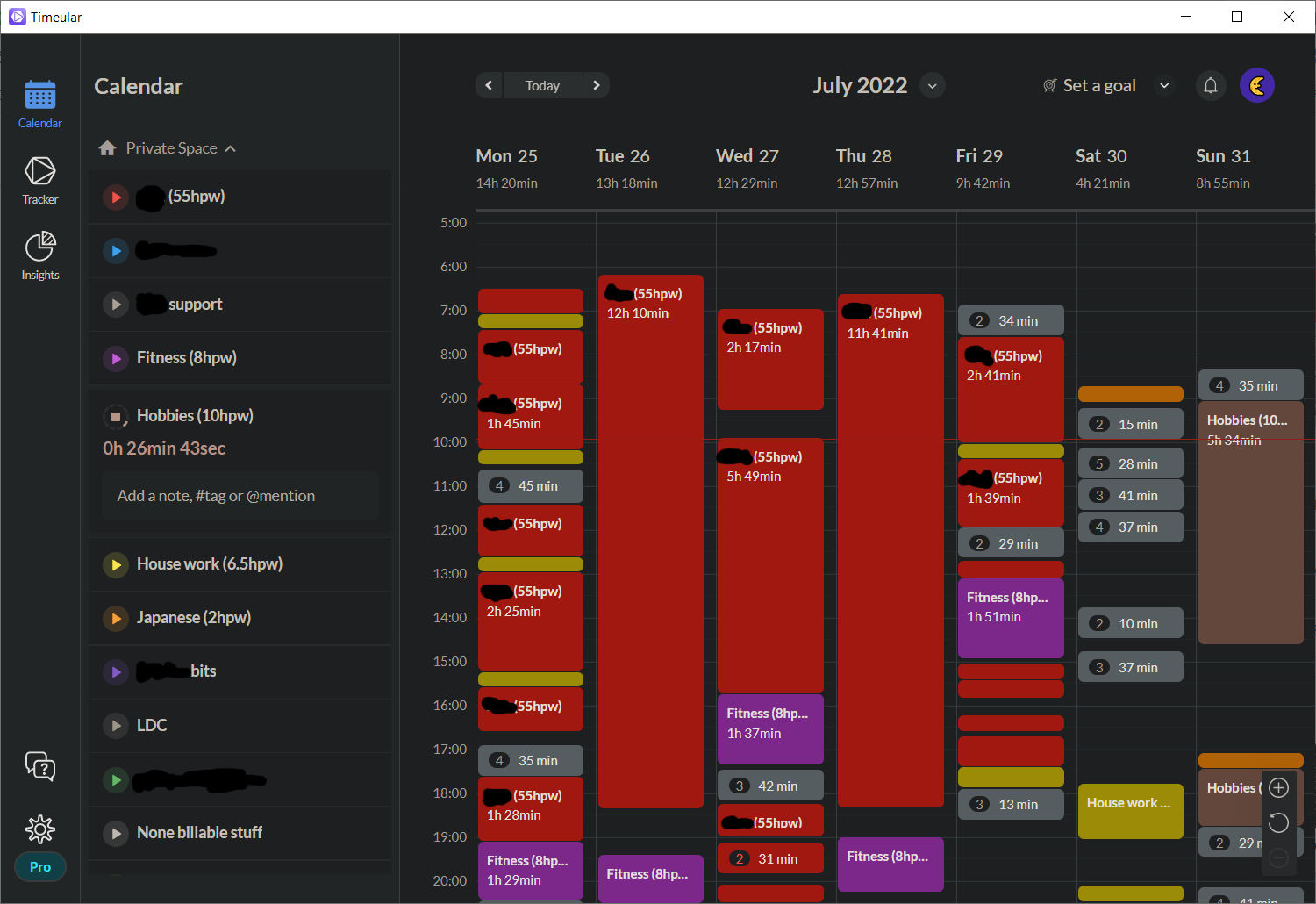
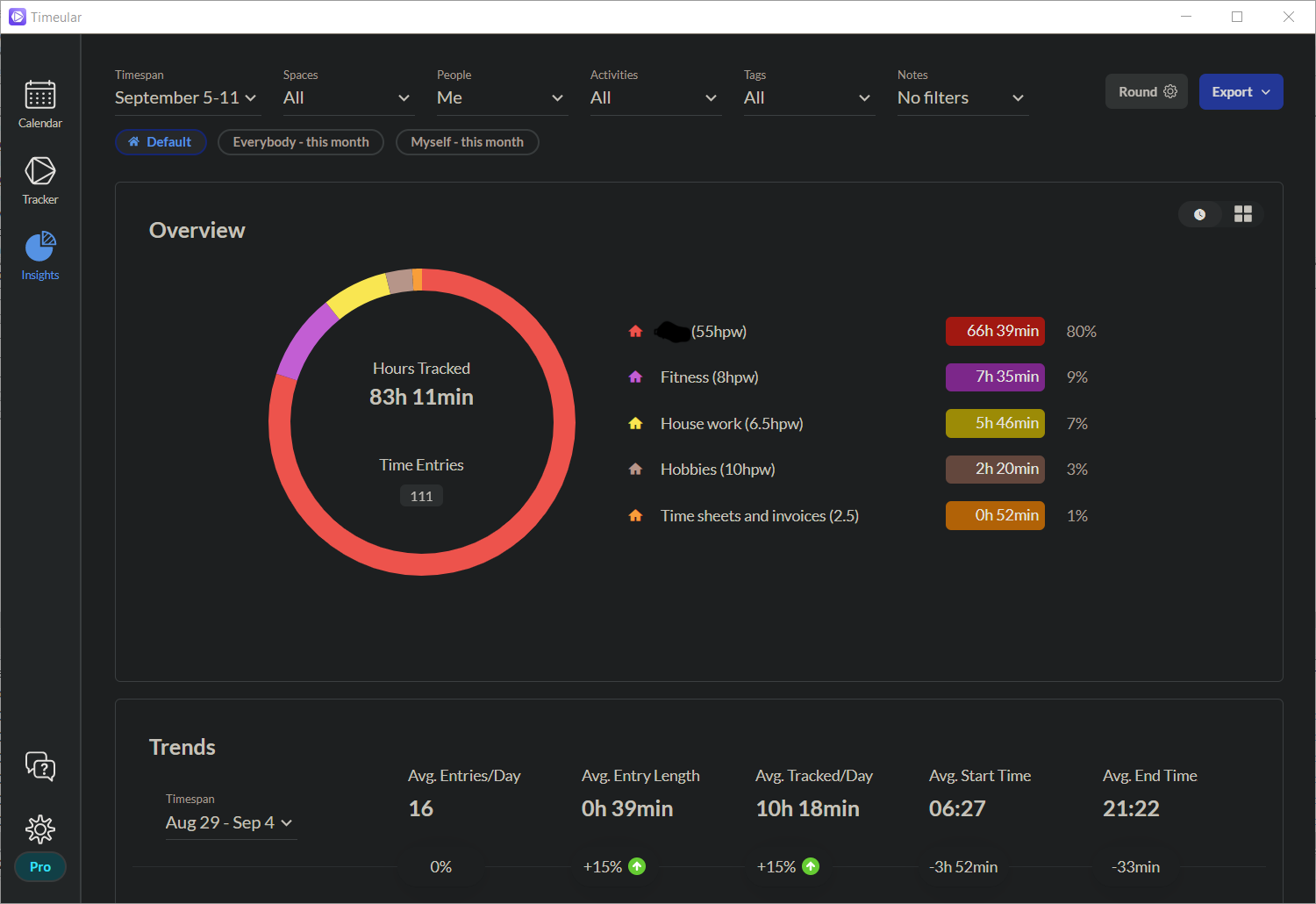
Personally I find this an easy method of timekeeping and helps manage distractions. You may have taken a couple of meetings, then you can do the dishes. After that, you might have to take the dog for a walk. You can separate between housework and work 1, but at 5pm you can at a glance tell timewise if you have done a solid days work and if not you can correct and work later to make up 2.

Overall It takes a lot of the effort out of timekeeping in general and while originally obviously designed for freelancers, it is very adaptable to the new world of hybrid working for permies. In the app its self you’re supposed to fill in all the task details with little notes, and yes I have done it this way for a couple of clients who also used Timeular  so they could see what I was doing, I normally don’t use it that way. I use it to give me nice blocks of time so I can work out how to fill in my notebooks at the end of the day, also to cross check and make sure that said notebooks are correct.

So far all has been perfect as described but it does have its downsides.. Well,.. that’s not entirely fair, it USED to have its downsides. When it first started years ago, its Bluetooth connection was appalling. The dice used expensive coin batteries like no ones business, it was non rechargeable. The app crashed. The connections didn’t drop well. A lot of failings.

But that’s where I feel it has stood the test of time. They have constantly improved, and over the years everything has been ironed out. The Bluetooth now is absolutely perfect. Not a single missed item. Its integration and stability is exceptionally good. They’ve changed the dice. It’s now rechargeable, and lasts for months on a single charge.

All this means that it’s now something that I would heartily recommend in all ways 3 .

Now, some people might think that you could just use a simple app timer with a start and stop. But that’s not how the human brain works, particularly when it’s busy. I find the big difference between Timeular and just about all the others is the physical act of turning the dice. It even allows you to have guilt free breaks from working. If you’re having a brain fart or someone sends you a particularly good video that you want to watch. You can just flip it on to blank and take your break guilt free, as you are not taking up a clients time.

Do I have any improvements to it? Yes, I would like a simple on off switch for the dice. I would like to be able to just drop it in a rucksack as I go, rather than having a bunfight with it to turn it off and then on again and re-pair, also personally I don’t used the pen and fancy stickers they supply, I just use a label printer as its much clearer. but that’s it.

Particularly in conjunction with other time management items. It really is something that I would not give up easily.

  1. this surprisingly makes sure that I pull my own weight with the household jobs as I know how much I have actually done in the home[]
  2. with a fringe benefit of helping to address procrastination[]
  3. Although you sometimes crack a grin at the fact its obviously still quite a small team, as they do the odd strange feature that they don’t quite get right.. the weekly goal setting for example does not work to my liking[]